From Lecture to Flashcard: How AI Video Summarization Changes the Way Students Study

·10 min read
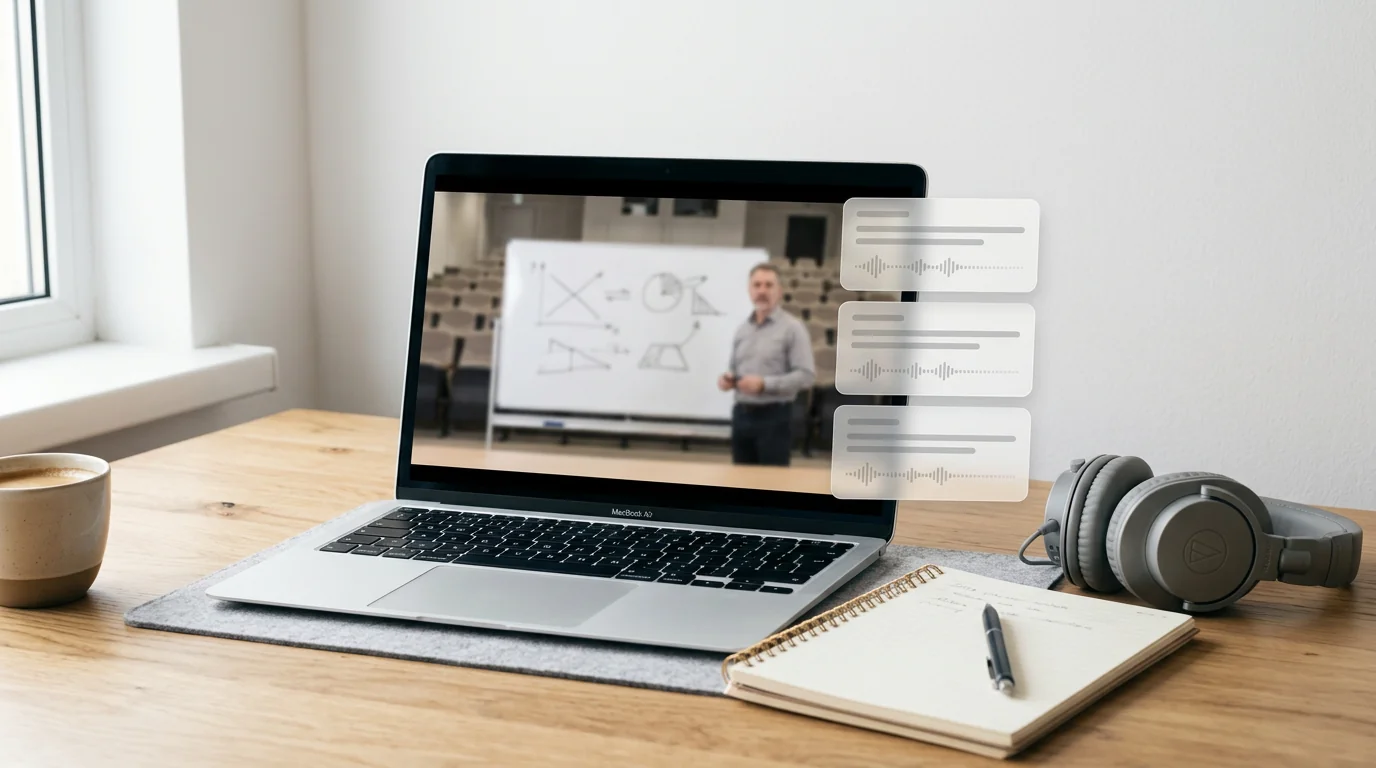
Recorded lectures have become a standard part of the university experience. Whether your institution uses a lecture capture system, your professor posts their own recordings, or you're supplementing coursework with educational YouTube content, video has become one of the primary formats in which students encounter new information. The problem is that video is a notoriously inefficient study format. You can't skim a video. You can't annotate it in real time. And a 90-minute lecture recording requires 90 minutes to watch, even when most of that time is preamble, repetition, and transition.
AI video summarization changes that equation. These tools can process a video, extract the substantive content, and produce structured notes, key concept lists, and flashcards in a fraction of the time it would take to watch the recording. This guide explains how the technology works, when it genuinely helps, and how to use it as part of a study system that produces real retention.
How AI Video Summarization Works
The process involves two distinct stages: transcription and comprehension.
In the first stage, the audio from the video is converted to text using automatic speech recognition. Modern ASR systems are highly accurate for clear audio — lecture recordings with a single speaker, good microphone quality, and standard academic vocabulary are processed with low error rates. Where accuracy drops is with heavy accents, technical jargon not in the training data, or overlapping speech.
In the second stage, the transcript is processed by a large language model that identifies structure: where topics begin and end, which points are being emphasised, which statements represent key definitions or conclusions versus contextual commentary. The model generates a hierarchical summary — main topics, sub-points, supporting detail — and can use this structure as the basis for generating flashcard pairs or study questions.
Some platforms extend this further with timestamp linking, so each section of the summary maps back to the specific point in the video where it was discussed. This is practically useful: instead of watching the full recording to clarify a point in your notes, you jump directly to the relevant 30-second segment.
The quality of the output depends heavily on the clarity and organisation of the source material. A well-structured lecture with clear signposting — "the three main causes were...", "to summarise what we've covered..." — produces an excellent AI summary. A conversational or loosely organised recording produces a less structured output that requires more editing.
The Real Value Proposition: Turning Passive Content Into Active Study
The most important thing to understand about AI video summarization is that the summary itself is not the end product. Re-reading a summary is only marginally more effective than re-watching the video. The value is in what the summary enables.
When you have structured text from a lecture, you can generate flashcards from it. You can use it as the basis for AI-generated practice questions. You can cross-reference it against your textbook readings. You can annotate it with your own commentary. In short, you can engage with the content actively rather than passively — and active engagement is what actually drives retention.
Platforms like Cuflow treat video summarization as the first step in a larger workflow. Once the video is processed and summarized, the extracted content can be used immediately to generate flashcards and practice questions. The shift from "watching a lecture" to "being quizzed on a lecture" happens within minutes rather than requiring hours of manual note-taking. For students who have been looking at how to study with ai effectively, this kind of end-to-end pipeline — from raw video to active recall — represents a qualitative change in how much study you can accomplish in a fixed time window.
When AI Video Summarization Is Most Useful
Not all video content benefits equally from AI summarization. These are the cases where it adds the most value.
Recorded lectures with dense informational content are the primary use case. A 90-minute seminar covering three major topics can be processed into structured notes that a student reviews in 15 minutes, with the option to jump back to the video for any point that needs clarification. The time saving is real and significant across a semester.
YouTube educational content — supplementary explanations, subject-specific channels, worked examples — is another strong use case. When a student searches for a clearer explanation of a concept and finds a 20-minute YouTube video, AI summarization lets them extract the key points without committing the full viewing time. For students who use YouTube heavily as a study aid, this changes the economics of the format.
Lecture series or course content from platforms like Khan Academy, Coursera, or recorded MOOCs also benefit, particularly when students are auditing content for exam preparation rather than working through it systematically.
Where AI video summarization is less useful: heavily visual content where the substance is in demonstrations, diagrams, or on-screen problems rather than the narration. A coding tutorial, a laboratory technique walkthrough, or a mathematics lecture where the working is written on a board will produce a poor summary because the transcript captures the narration but not the visual content. For these formats, the transcript alone is insufficient.
Practical Workflow: From Video to Revision-Ready Notes
Here's a concrete workflow for students using AI video summarization as part of exam preparation.
When a lecture recording is released, run it through your AI tool of choice the same day. Don't wait. The summary doesn't take long to generate, and having structured notes while the lecture is still fresh lets you add context, mark unclear points, and identify topics that need further reading while your memory of the session is still active.
Review the generated summary critically. AI summarization is good but not infallible — it can miss nuance, occasionally misattribute importance to a point that was emphasised rhetorically rather than substantively, or produce a flat summary of content that was actually hierarchically organised. Your job is to verify the structure, not accept it wholesale. Flag anything that seems incomplete or mischaracterised, and check those sections against the original video or your own notes.
Use the summary to generate flashcards immediately. If you're using a platform that integrates summarization with flashcard generation — as Cuflow does — this step is automatic. If not, paste the summary into your AI study tool and prompt it to generate flashcard pairs from the key concepts. Do this while you're still in the material; it takes ten minutes and sets up your spaced repetition review for the weeks ahead.
Add your own annotations. The AI has extracted the content; you bring the context. Add notes about what your professor emphasised verbally, which topics they said would appear on the exam, any connections to other parts of the course that the summary doesn't capture. Your annotations transform a machine-generated document into a personal study resource.
Limitations to Know Before You Rely on the Technology
AI video summarization is a powerful tool, but treating it as a complete solution for lecture engagement leads to a specific kind of failure: students who have summaries of everything but understand very little, because they've replaced the difficult cognitive work of engagement with the comfortable output of a machine.
The technology is at its weakest when source audio quality is poor — background noise, heavy accents, or very fast speech can significantly degrade transcript accuracy and, consequently, summary quality. Always scan the transcript for obvious errors before trusting the summary for high-stakes material.
Some content — particularly technical or mathematical content — requires visual context that text cannot capture. If a lecture consists substantially of worked examples on a whiteboard, the transcript will record the narration but not the calculations. In these cases, the AI summary needs to be supplemented with your own notes from the visual content.
The best ai study tools for students, and the posts on ai tutoring how it works, both make this point in different ways: AI tools work best as part of a structured study system, not as a replacement for one. Video summarization is most powerful when it feeds into active recall practice, not when it replaces the responsibility to engage with lecture content.
Evaluating AI Video Summarization Tools
When choosing a platform, focus on these criteria. First, transcript accuracy — try the tool with a real lecture recording before committing to it. Second, summary structure — does the output reflect the actual hierarchy of the content, or is it a flat list of sentences? Third, integration — does the summary feed into flashcard generation, practice questions, or other active study tools, or does it stop at a text document? Fourth, timestamp linking — the ability to jump from a summary point to the relevant video moment saves significant time when reviewing unclear sections.
Speed also matters in practice. If processing a 90-minute lecture takes 20 minutes, the time saving is real. If it takes two hours, the economics don't work for a student with multiple courses.
FAQ
Can AI video summarization tools process any video? Most tools can process videos from YouTube directly via URL, and can handle uploaded video or audio files. Some platforms also integrate with institutional lecture capture systems. The main constraint is audio quality — clear narration with minimal background noise produces far better results than poorly recorded content.
How accurate are AI-generated lecture summaries? For well-recorded lectures with clear structure, accuracy is high enough to be genuinely useful. Expect to spend five to ten minutes reviewing and correcting a summary of a 90-minute lecture. For complex technical content or lectures with a lot of visual material, the output requires more review and supplementation.
Will using AI video summarization hurt my learning? It can, if you use summaries as a replacement for active engagement rather than as a starting point for it. Reading a summary is passive. Answering flashcard questions generated from that summary is active. The technology improves learning when it accelerates the transition from passive consumption to active retrieval practice — which is where the real learning happens.
Can these tools handle lectures in languages other than English? Many modern transcription and summarization tools support multiple languages, though accuracy varies by language. English, Spanish, French, German, and other widely spoken languages with large training datasets generally perform well. Check your specific platform's language support before relying on it for non-English content.
Is it worth using AI to summarize YouTube videos for study? Yes, particularly for supplementary content where you're looking for a clearer explanation of a specific concept. The ability to extract the key points from a 20-minute explanation in two minutes is a genuine time saving that compounds across a semester.
How does AI video summarization compare to taking my own notes during a lecture? Taking your own notes is more cognitively active — the process of deciding what to write down reinforces learning in a way that reading a generated summary does not. The advantage of AI summarization is that it produces a complete, searchable record of the lecture content that you can then use as the basis for active study methods. The ideal approach for live lectures is to take your own notes during the session and use AI summarization of the recording to fill gaps and generate flashcards afterward.
Can I upload video files directly or only use YouTube links? This depends on the platform. Most tools that support video summarization accept both direct URL input (YouTube, Vimeo) and file uploads. Some platforms also accept audio files directly, which is useful if you record lectures yourself. File size limits vary, so check the platform's constraints for long recordings.