Best AI Lecture Recorder Apps for Students in 2026

·7 min read
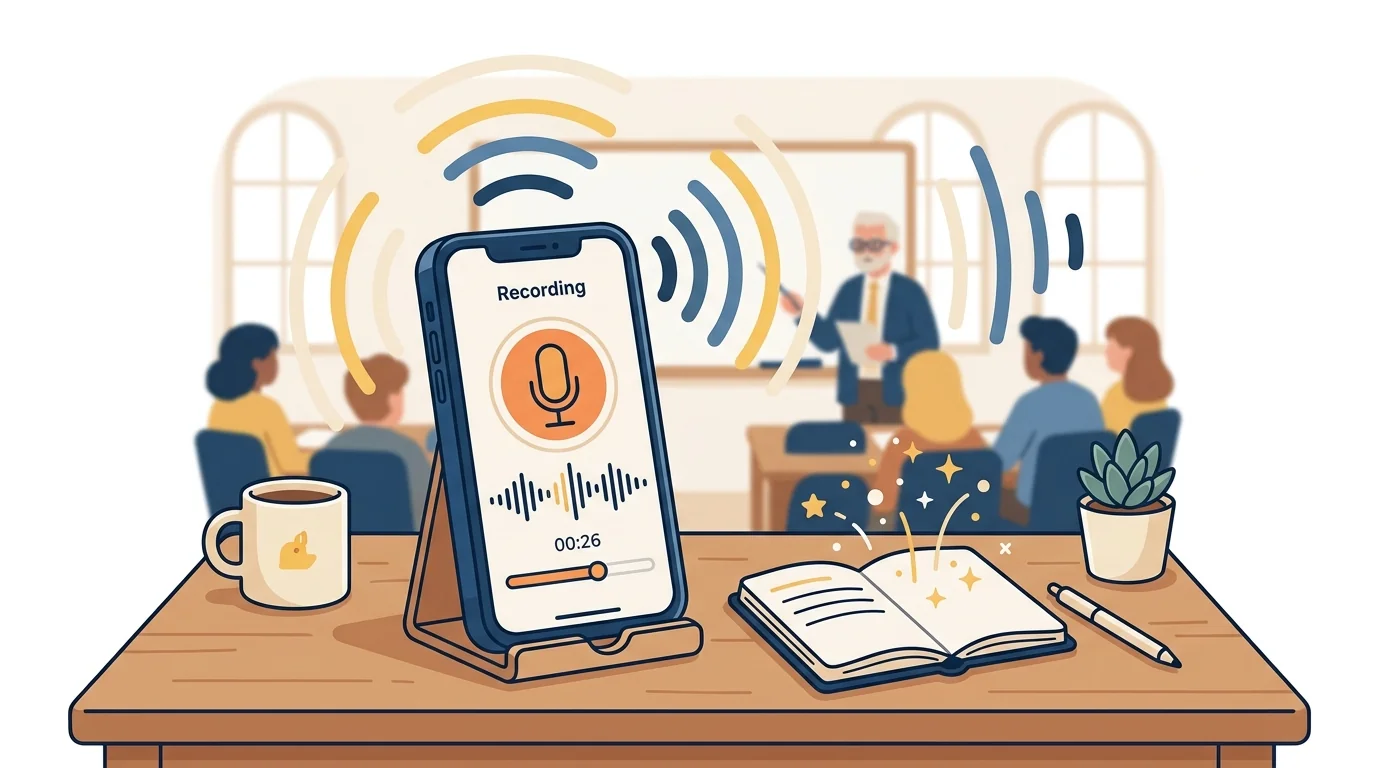
Recording a lecture is easy. Getting something useful out of that recording — without spending an hour reviewing it afterwards — requires the right tool.
In 2026, the best lecture recorder apps don't just capture audio. They transcribe in real time, identify key concepts, generate timestamped notes, and integrate that content into a study system. The gap between a basic recorder and a good AI lecture recorder is significant, and choosing the wrong one means you'll still need to do the heavy lifting yourself.
This guide compares the best options across accuracy, study integration, and practical usability.
What Makes a Lecture Recorder Worth Using
A microphone and a file is the baseline. What separates a useful AI lecture recorder from a storage app is what happens to the audio after capture:
Transcription accuracy — Can the app reliably transcribe academic speech, technical vocabulary, and non-native accents? Accuracy varies enormously between tools.
Intelligent note generation — Does the app surface key concepts, definitions, and potential exam questions, or does it just produce a raw transcript you still have to read in full?
Study integration — Can you turn what you recorded into flashcards, quizzes, or a study guide without switching to a separate app?
Searchability — Can you search the transcript by keyword and jump to the relevant moment in the audio?
Offline capability — Does it work in venues without reliable Wi-Fi?
Apps that handle only one of these criteria well are tools. Apps that handle all of them are study systems.
The Best AI Lecture Recorder Apps in 2026
Otter.ai
Otter.ai is one of the most widely used transcription tools for students. It records and transcribes in real time, supports speaker identification, and allows you to add notes and images while recording.
Strengths: Real-time transcription, clean interface, live summary feature, integrates with Zoom for remote lectures.
Weaknesses: The free tier limits you to 300 monthly transcription minutes. Accuracy drops on technical vocabulary. There's no native flashcard or quiz generation — Otter captures, but you need to study from the output yourself.
Best for: Students who primarily want a clean, searchable transcript and don't need study feature integration.
Notion AI (with audio recording)
Notion doesn't record audio natively, but students who record separately and upload to Notion can use its AI to summarise content, extract action items, and generate study notes from paste-in transcripts.
Strengths: Powerful document organisation, AI summarisation, flexible for many workflows.
Weaknesses: Not a dedicated lecture tool — requires manual steps to connect audio → transcript → notes. Audio processing speed varies. Not designed specifically for exam preparation.
Best for: Students already deeply embedded in Notion who want to consolidate their workflow.
Whisper (OpenAI)
OpenAI's Whisper model is the underlying transcription engine used by many apps on this list. Running it directly — via the API or local tools — gives you highly accurate transcription at low cost.
Strengths: Among the most accurate transcription models available, especially for technical and academic language. Handles many languages well.
Weaknesses: No native app — requires technical setup or a third-party wrapper. No study features. The output is a transcript file; everything else is your responsibility.
Best for: Technical students or developers who want maximum transcription accuracy and will build their own workflow on top.
Notta
Notta is a transcription tool that supports real-time and uploaded audio recording. It transcribes in over 50 languages and produces summaries and key points from recordings.
Strengths: Good multilingual support, real-time transcription, integration with calendar apps for scheduled meeting/lecture capture.
Weaknesses: Limited study-specific features. The free tier is restrictive (5 transcription minutes per month). Better positioned as a meeting tool than a study tool.
Best for: International students or those studying in multiple languages who need multilingual transcription.
Audionotes
Audionotes focuses on converting voice recordings into structured notes. You record, the app transcribes and reorganises the content into key points, summaries, and action items.
Strengths: Designed specifically for note-taking, not just transcription. Produces structured output rather than raw text.
Weaknesses: Less accurate on long, dense academic lectures than purpose-built transcription models. Limited flashcard integration.
Best for: Students who want voice-to-note conversion for shorter recordings like review sessions or verbal summaries.
CuFlow as a Lecture Recording Companion
While CuFlow doesn't record live audio, it's the most effective tool for processing lecture recordings after capture — and for turning that content into something you can actually study from.
The workflow is straightforward: record your lecture with any app or your phone's native voice recorder, then upload the file to CuFlow. CuFlow processes the transcript, identifies key concepts, generates flashcards and quizzes from your lecture content, and builds it into your personalised study schedule.
The key advantage over standalone transcription tools: CuFlow connects what you recorded to your exam preparation. Your lecture content doesn't sit in a file — it enters a study system that tracks what you know, what you don't, and when you need to review each concept again.
For students managing multiple subjects, this integration matters. Recording five lectures per week is useful. Having all five automatically processed into a study system that adapts to your performance is significantly more useful.
How to Choose the Right Lecture Recorder
If you need live real-time transcription: Otter.ai or Notta.
If you need maximum accuracy for technical subjects: Whisper-based tools or Otter's premium tier.
If you need study features connected to your recordings: Combine a live recorder (Otter, Notta, or your phone) with CuFlow for processing.
If you're already in the Google ecosystem: Google Meet + Gemini can transcribe recorded sessions and produce summaries for revisiting.
If you record shorter review sessions and want structured notes: Audionotes.
The pattern worth noting: no single tool handles live recording, accurate transcription, and full study integration equally well. The most effective workflow in 2026 pairs a dedicated recorder with a study processing layer.
Accuracy Benchmarks to Know
Independent benchmarks of transcription accuracy on academic lectures (based on word error rate):
- OpenAI Whisper large-v3: typically 4–8% WER on clear academic English
- Otter.ai: typically 10–15% WER depending on accent and vocabulary
- Google Speech-to-Text: 8–12% WER on standard academic content
- Notta: 10–18% WER depending on language and audio quality
For STEM subjects where technical terminology is dense, the accuracy difference matters. A 15% WER on a lecture about organic chemistry mechanisms produces a transcript that requires significant editing. A 5% WER produces one you can use immediately.
FAQ
What is the best free AI lecture recorder?
Otter.ai offers the most capable free tier for live recording, with 300 minutes per month. For uploading and processing existing recordings, CuFlow's free tier processes uploaded audio and generates study materials from the content. Whisper via API is also very low cost and extremely accurate.
Can AI lecture recorders work offline?
Some do. Whisper can be run locally on your device. Most cloud-based apps like Otter.ai require internet connectivity for transcription. Check whether the app can record offline and transcribe later, which most can — but real-time transcription typically requires connectivity.
How accurate are AI lecture transcription tools?
For clear audio with a native English speaker, top tools reach 92–97% accuracy. Accuracy decreases with background noise, strong accents, technical vocabulary, or multiple overlapping speakers. Whisper-based tools generally outperform others on technical academic content.
Do lecture recorder apps work on phones?
Yes. Most major tools — Otter.ai, Notta, Audionotes — have mobile apps. Phone placement matters significantly for accuracy: placing your phone on a desk near the front of the room produces far better results than recording from the back of a lecture hall.
Can I turn a lecture recording into flashcards?
Not directly with most transcription tools. Apps like Otter.ai capture and transcribe but don't generate flashcards. CuFlow is designed specifically for this: upload your lecture audio or transcript and it generates flashcards and quizzes from the content, integrating them into your spaced repetition schedule.
Is it legal to record lectures?
Policies vary by institution. Most universities permit recording for personal study purposes but prohibit distribution. Some professors request notification before recording begins. Always check your institution's policy and, when in doubt, ask the lecturer directly before recording.