Best AI Concept Map Makers for Students in 2026

·8 min read
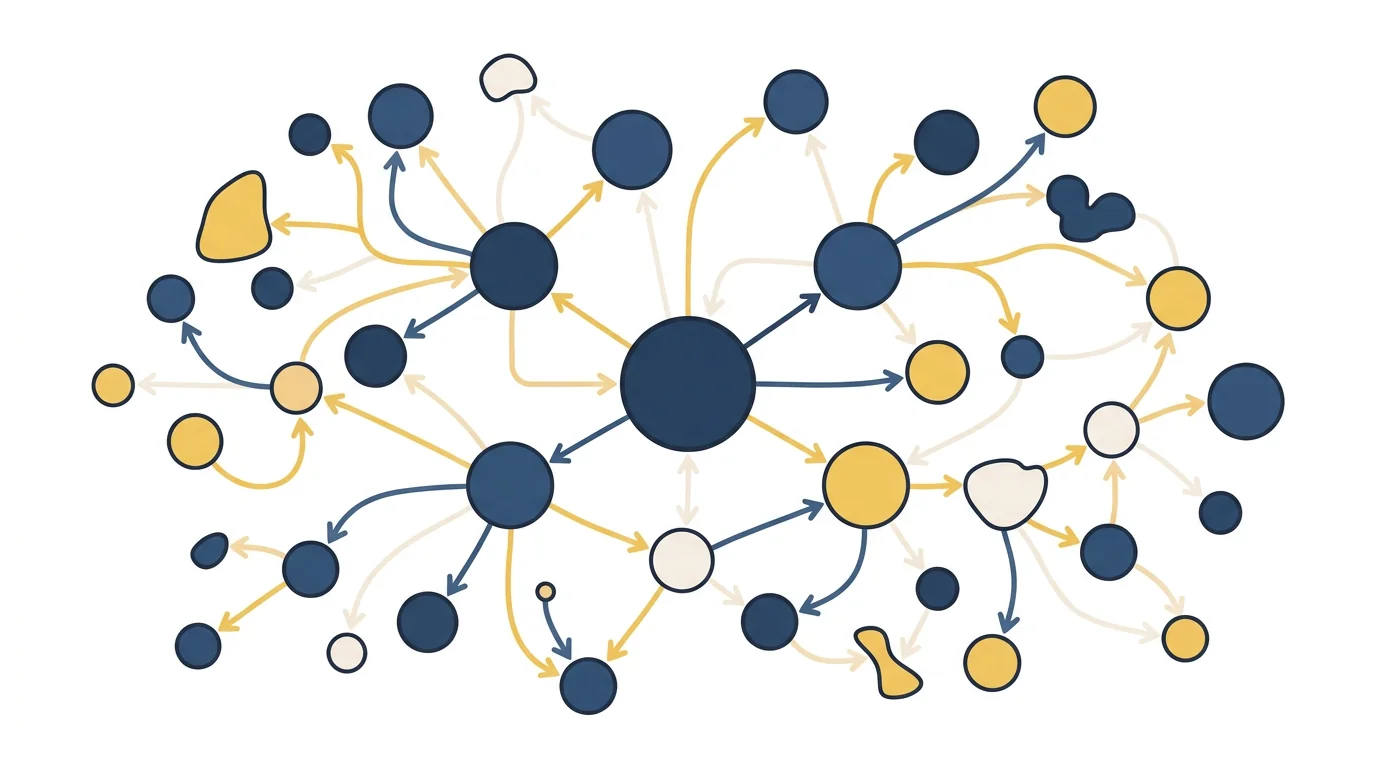
A concept map does something a list of notes can't: it shows relationships. Not just what the concepts are, but how they connect, conflict, build on each other, and lead to different outcomes. For subjects where relationships between ideas are central — biology, economics, history, philosophy, computer science — understanding the map is often more important than knowing the individual points.
In 2026, AI can generate concept maps from your uploaded notes in seconds. The quality varies significantly between tools, and knowing what to look for determines whether the output helps you think or just looks impressive.
Concept Maps vs. Mind Maps: The Distinction That Matters
These terms are often used interchangeably, but they refer to different structures:
Mind maps radiate from a central concept outward in a tree structure. They're good for brainstorming and organising content hierarchically. The relationship between nodes is typically "belongs to" or "is a type of."
Concept maps show cross-links between nodes across different branches, with labelled relationships on the connecting lines. They can represent more complex, non-hierarchical relationships: "inhibits," "leads to," "contrasts with," "depends on."
For studying, concept maps tend to produce deeper understanding of material because they require you to think about the nature of relationships, not just their existence. If your goal is to understand how insulin resistance leads to type 2 diabetes through specific cellular mechanisms, a concept map captures the pathway in a way a mind map doesn't.
Most AI "concept map" tools actually produce mind maps. Be specific about which you need.
What Good AI Concept Map Generation Requires
Relationship identification: The AI needs to identify not just concepts but the nature of their relationships. "Photosynthesis produces glucose" is a labelled relationship. "Photosynthesis and cellular respiration are related" is not.
Hierarchical and cross-link structure: Good concept maps have main concepts, supporting concepts, and cross-links. AI that only produces radial structures doesn't fully serve the concept map purpose.
Source accuracy: Generated from your specific course materials, not from general training data that may use different terminology or emphasis.
Editability: AI-generated maps always need adjustment. The tool must allow easy editing of nodes, relationships, and layout.
Export options: For studying, you need to be able to export to PDF, image, or a format you can annotate and review from.
Best Concept Map Maker Tools in 2026
CuFlow (Study-Integrated Map Generation)
CuFlow doesn't position itself primarily as a concept map tool, but its knowledge structure generation — building visual representations of how concepts from your uploaded materials relate — serves the same purpose for exam preparation.
The key advantage for students: the concept relationships CuFlow identifies feed into your flashcard and quiz system. Connections the AI identifies between concepts become the basis for synthesis questions. If CuFlow identifies that "enzyme inhibition" and "drug mechanisms" are closely related in your pharmacology notes, it generates questions that test whether you understand that relationship — not just whether you can define each term separately.
For students who want visual learning integrated with active recall, this is more useful than a standalone map tool.
Whimsical (AI Mind Maps)
Whimsical has a strong reputation for clean, fast diagram creation and added AI generation in recent years. You can type a topic or paste notes, and Whimsical generates a visual map you can edit and export.
The output is primarily mind-map format — hierarchical and radial — rather than true concept maps with labelled cross-links. For organising content visually, it's excellent. For representing complex relational knowledge, it's limited by its structure.
Free and paid tiers. Strong export options.
Miro (AI-Assisted Mapping)
Miro is a collaborative whiteboard platform with AI features that can generate structured diagrams from text prompts or uploaded content. It's more powerful than dedicated map tools for collaborative projects but requires more setup for individual study use.
The concept map quality depends heavily on prompting. Miro is flexible enough to produce genuine concept maps with labelled relationships if you guide it, but it requires more effort than a dedicated tool.
Free tier available. Primarily designed for teams, not individual students.
Mindmeister
Mindmeister is a dedicated mind mapping tool with AI assistance for generating initial structures. The interface is polished, the collaborative features are strong, and the export options are comprehensive.
It produces mind maps rather than concept maps and doesn't have strong integration with study systems. Good for visual organisation and presentation; limited for the kind of relational learning that improves exam performance.
Free and paid tiers. Strong for visual organisation and collaboration.
Coggle
Coggle is a clean, browser-based mind map tool that supports real-time collaboration and multiple branches from a central node. AI generation is less prominent than in other tools, but the interface makes manual map creation fast.
For students who want to build concept maps manually (which often produces better retention than having AI generate them), Coggle's simplicity is an advantage.
Free tier covers most student use cases.
Mapify (AI Concept Map from Documents)
Mapify generates mind maps and concept maps from uploaded PDFs, URLs, and text. The document-to-map pipeline is a core feature, which makes it useful for students who want to upload lecture notes and get a visual structure quickly.
Map quality is good for standard academic content, though the structure leans toward mind map format. The tool is among the better-positioned options for document-to-map workflows specifically.
Free and paid tiers.
When to Build the Map Yourself
AI-generated concept maps save time. Manually building a concept map from your notes is a more powerful study method.
The research on concept mapping consistently shows that the act of creating the map — deciding what to include, how to label relationships, where cross-links belong — forces the kind of deep processing that improves understanding and retention. The struggle to represent a complex relationship accurately is a learning activity, not just documentation.
A practical combination: use AI to generate an initial map that gives you the overview, then rebuild or heavily annotate it manually to force the deeper processing. The AI map is a scaffold, not a finished product.
How to Use Concept Maps in Your Study Workflow
For initial understanding: Generate or build a map at the start of studying a new topic. Use it to identify the key concepts and how your professor frames their relationships before diving into details.
For synthesis review: Before an exam, build a concept map from memory covering the whole topic. Gaps in the map reveal gaps in your understanding — areas where you know individual facts but haven't integrated them into a coherent structure.
For essay and discussion preparation: Subjects that require written argument benefit from concept maps that show how ideas connect. Understanding the relationship structure makes it easier to construct coherent arguments rather than listing disconnected points.
For identifying exam-relevant connections: Exam questions — particularly at higher levels — often test connections between ideas rather than individual facts. A concept map makes those connections visible and memorable.
FAQ
What is the difference between a concept map and a mind map?
Mind maps are hierarchical trees radiating from a central concept. Concept maps include cross-links between branches with labelled relationships, representing more complex, non-hierarchical connections. Concept maps are more demanding to create but produce better understanding of relational material.
What is the best free concept map maker?
Coggle is the cleanest free option for manual creation. Whimsical's free tier offers good AI generation for mind maps. For document-to-map AI generation, Mapify has a free tier. For study-integrated knowledge mapping, CuFlow's free tier provides concept structure connected to active recall features.
Can AI generate a concept map from my notes?
Yes, though quality varies. Tools like CuFlow, Mapify, and Whimsical all accept uploaded notes and generate visual structures. Most produce mind-map format (hierarchical) rather than true concept maps (cross-linked with labelled relationships). For more complex relational maps, you may need to edit the AI output significantly.
Is drawing a concept map by hand better than using software?
Research suggests that the creation process matters more than the medium. Hand-drawing forces slow, deliberate thinking about relationships — which is cognitively more demanding and more effective for learning. Software-based maps are faster to create and easier to edit. For a first map when time is limited, digital is practical. For deep study before an exam, hand-drawing is often more effective.
How do I make a good concept map for studying?
Start with your main exam topics as primary nodes. For each concept, identify two to five other concepts it connects to. Label each connection with a verb or phrase describing the relationship. Add cross-links between concepts in different branches. Review the map for connections you've missed or mislabelled. The map should reflect understanding, not just listing — each node should be connected by meaningful, labelled relationships.
Do concept maps work for all subjects?
Most effectively for subjects with dense relational content: biology, chemistry (metabolic pathways, reaction mechanisms), economics (cause-effect relationships), history (events and their consequences), and computer science (system architecture, data structure relationships). Less useful for procedural mathematics, where step-by-step execution matters more than conceptual connection. Still useful for the conceptual foundations of quantitative subjects.