Best AI Study Guide Makers for Students in 2026

·8 min read
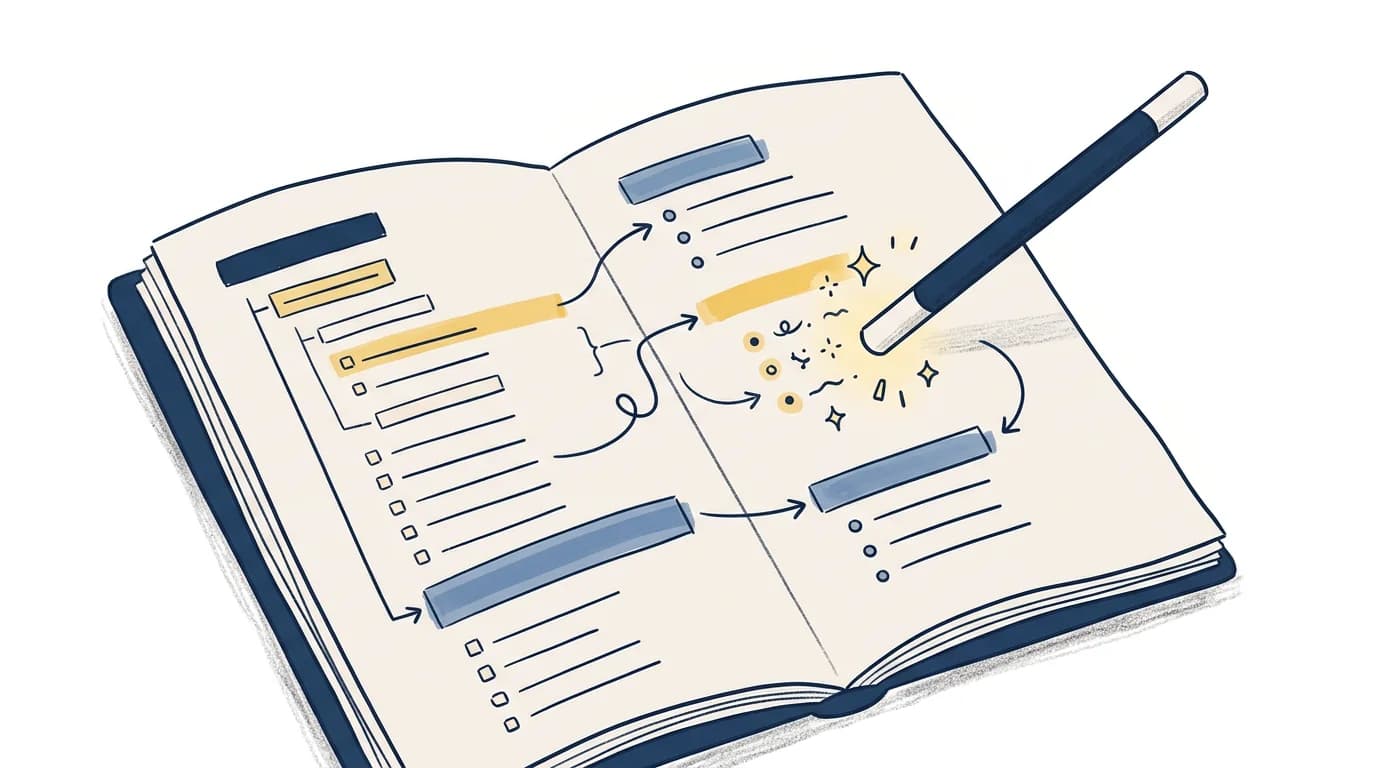
Creating a study guide used to mean hours of manual work: reading through notes, identifying key concepts, organising them into a structure, and formatting everything into something actually usable for revision. In 2026, AI has eliminated most of that work — but not all study guide makers are equal.
Some tools produce dense summaries that require as much reading as your original notes. Others generate shallow bullet lists that miss the nuance your exam will test. The best tools understand your course content, identify what's actually exam-relevant, and produce structured guides you can study from immediately.
This guide covers the top AI study guide makers in 2026, what they do well, and how to pick the right one for your revision.
What a Good AI Study Guide Actually Contains
Before comparing tools, it helps to define what you're looking for. A good AI-generated study guide should contain:
Key concepts with explanations — not just terms listed, but explained in the context of your course.
Hierarchical structure — major topics, sub-topics, and supporting details organised logically, not just a list of everything.
Exam-oriented content — emphasis on what's testable, not just what appears most frequently in the source material.
Review elements — questions, definitions, or prompts that allow you to test yourself, not just read.
Source accuracy — generated from your uploaded materials, not a generic treatment of the subject that may use different terminology or emphasis than your professor.
The last point is often the most important. An AI study guide built from your lecture slides will reflect your course's specific framing. A study guide built from the internet's general knowledge of biochemistry may emphasise different concepts, use different definitions, and lead you to study the wrong things.
Best AI Study Guide Makers in 2026
CuFlow
CuFlow generates structured study guides directly from your uploaded course materials. Upload your PDFs, lecture notes, or slides, and CuFlow produces a guide that includes key concept summaries, important terms, and potential exam questions — all derived from your specific content.
What makes CuFlow different from basic summarisation tools: the study guide isn't a static document. It feeds into CuFlow's spaced repetition and quiz systems, so the content in your guide becomes the source for active recall sessions. You don't just read the guide — you're tested on it.
The guide adapts over time based on your performance. Topics you consistently get wrong receive more attention in your study sessions. Concepts you've mastered appear less frequently. The study guide is the entry point, not the endpoint.
Notion AI
Notion's AI can take pasted notes or uploaded content and generate structured summaries, key point lists, and concept explanations. If you already use Notion for your notes, asking the AI to generate a study guide from a page or database is fast.
The output quality is good for comprehension-oriented guides but weaker for exam-specific preparation. Notion AI doesn't track your performance, generate practice questions with spaced review, or adapt to what you find difficult. It produces content; you decide how to use it.
Best for: Students already in the Notion ecosystem who want quick summarisation and organisation of their existing notes.
Scholarcy
Scholarcy specialises in processing academic papers, textbooks, and lecture notes into structured summaries. It identifies key claims, references, and concepts, producing a scaffold of the source material rather than a flat summary.
It's particularly strong for research-heavy subjects — papers with complex argumentation, dense references, and technical vocabulary. Less optimised for producing exam-ready revision guides from lecture slides.
Best for: Students in research-intensive subjects (science, medicine, law, social sciences) who need to process large volumes of academic literature.
ChatGPT / Claude (manual prompting)
General-purpose AI assistants can produce excellent study guides when prompted well. Paste in your notes, specify the subject and exam type, and ask for a structured guide with key concepts, definitions, and sample questions.
The limitation: you're doing more work. There's no persistent storage of your materials, no performance tracking, no spaced repetition. Each session starts fresh. The output quality depends heavily on how much context you provide and how well you prompt.
Best for: Students who want flexible, on-demand guide generation and are comfortable crafting detailed prompts.
Knowt
Knowt allows you to upload notes and generate study guides, flashcards, and practice tests from the content. The interface is Quizlet-like, and the AI generation is competent for standard academic content.
It handles guide generation and flashcard creation in one workflow, which reduces switching between tools. Spaced repetition and long-term performance tracking are less sophisticated than dedicated SRS tools.
Best for: Students who want an all-in-one note-to-study-guide-to-flashcard workflow without premium pricing.
How to Use an AI Study Guide Effectively
Generating a study guide is the beginning, not the end. A common mistake is treating the output as content to re-read passively — which provides the same low retention as re-reading your original notes.
The most effective use pattern:
- Generate the guide from your course materials using CuFlow or your preferred tool.
- Read it once for an overview — identify sections you're confident about and sections that need work.
- Test yourself on sections you think you know before moving to sections you don't.
- Use the guide as a prompt for active recall sessions: cover the answers, attempt to recall key definitions and explanations, check what you missed.
- Let the guide feed into spaced review — if your tool supports it, the study guide should become the source for ongoing review sessions, not a static document you read once.
The guide accelerates the compression of your course materials. Active recall and spaced review produce the retention.
What to Avoid
Surface-level summaries: If the study guide is just bullet points of topics without explanation, it's not much better than a table of contents. Look for tools that produce explanations, not just lists.
Generic content: If the guide uses different terminology or examples than your course, it may mislead more than help. Prioritise tools that generate from your specific uploaded materials.
Passive-only guides: A study guide without any quiz or recall elements is designed for reading, not retention. The best guides include questions or prompts that force retrieval practice.
CuFlow's Approach to Study Guide Generation
CuFlow generates study guides that are designed for active use, not passive reading. When you upload your materials, the output includes:
- Key concept summaries written in plain language
- Definitions of important terms with context from your course
- Potential exam questions derived from your content
- An overview of major topics and their relationships
The guide connects directly to CuFlow's quiz and flashcard systems. Concepts from the guide become practice questions. Your performance on those questions shapes what gets reviewed next. The study guide isn't a separate product — it's the foundation of your personalised study plan.
For students who find themselves re-reading notes repeatedly without results improving, this shift from passive guide to active study system is typically the change that moves exam performance.
FAQ
What is the best AI study guide maker in 2026?
For guides built from your own course materials with connected study features, CuFlow is the strongest option. For students who want quick summarisation without a full study system, Notion AI or ChatGPT with detailed prompting work well. Scholarcy is best for academic papers and research-heavy subjects.
Can AI make a study guide from a PDF?
Yes. Tools like CuFlow, Knowt, and Scholarcy all accept PDF uploads and generate structured content from them. For large or complex PDFs (textbook chapters, academic papers), tools designed for academic content will produce more useful outputs than general-purpose AI.
How long does it take to generate a study guide with AI?
Most AI study guide makers process standard lecture notes or PDFs in under two minutes. Longer or more complex documents (full textbook chapters, 100+ page PDFs) may take three to five minutes depending on the tool's processing speed.
Are AI study guides accurate?
Accuracy depends primarily on whether the tool uses your uploaded materials or generates from general knowledge. Tools that work from your documents are much more accurate to your course than tools that rely on their training data. Always review generated content against your source materials, particularly for technical subjects where precision matters.
Can I use ChatGPT as a study guide maker?
Yes, with caveats. ChatGPT can produce excellent study guides when given detailed context (paste your notes, specify your course and exam type). The limitations are no persistent storage, no performance tracking, and the need for effective prompting. For occasional use, it's effective. For ongoing exam preparation, a dedicated tool with memory and tracking is more efficient.
Should I print my AI study guide or study from a screen?
Research on print vs. screen for retention is mixed, and individual preferences vary. More important than format is how you use the guide: a printed guide that you annotate and use for active recall is more effective than a digital guide you passively scroll through. Choose the format that enables your most active engagement with the content.