Study Planner App: What to Look For and the Best Options in 2026

·9 min read
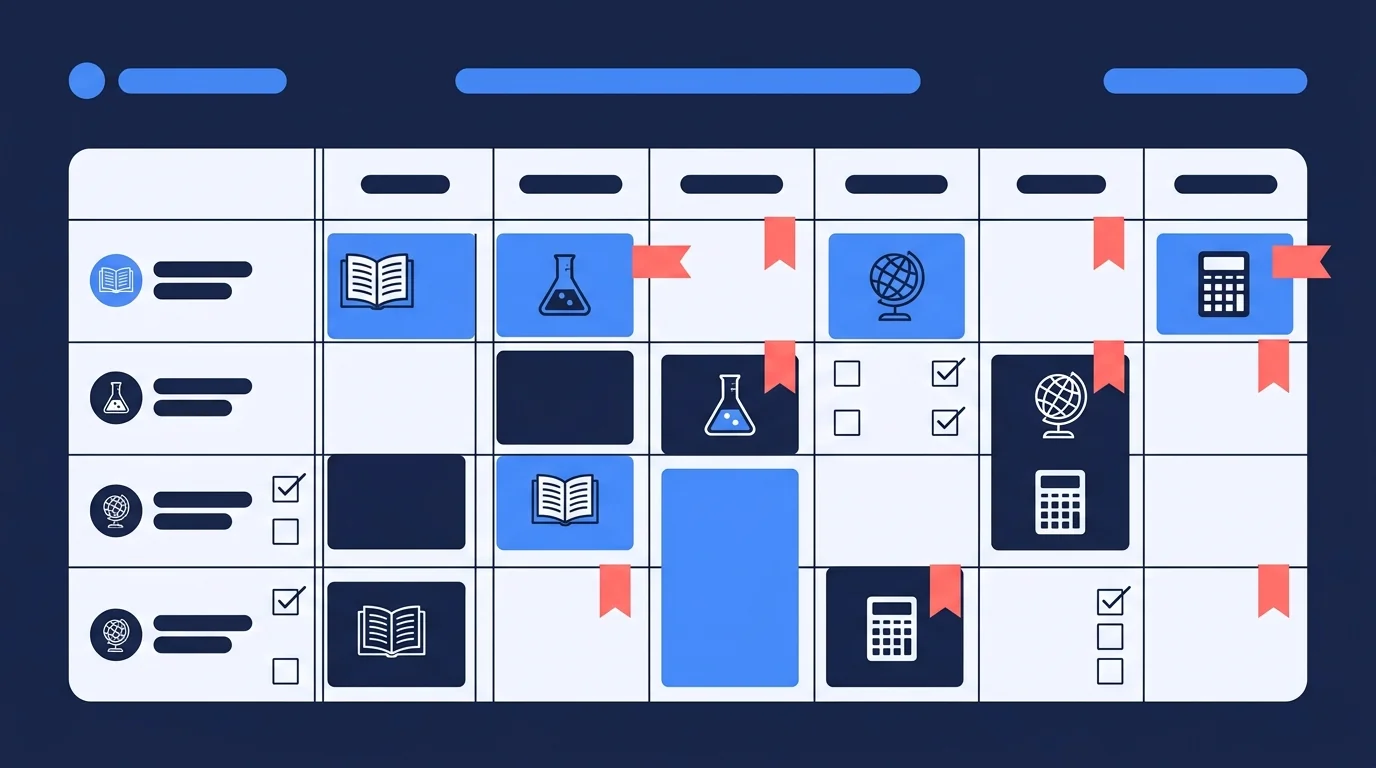
A good study planner app does one thing well: it helps you turn a list of deadlines and subjects into a realistic schedule you'll actually follow. That sounds simple. In practice, most apps either under-deliver on features or bury useful functionality under layers of settings, habit trackers, and dashboards that don't connect to how students actually study.
This post covers what a study planner app should genuinely do, which features don't add as much value as they seem to, and an honest look at the leading options in 2026.
What a Study Planner App Should Actually Do
Before evaluating any specific app, it helps to be clear about the core jobs a study planner needs to handle.
Deadline management
The most fundamental function. You need to be able to log assignment due dates, exam dates, and project deadlines in a single place. Without this, you're back to juggling multiple calendars and sticky notes.
A good planner doesn't just store deadlines — it surfaces them proactively. Seeing that an exam is 12 days away is more useful than discovering it's tomorrow.
Session scheduling
Deadline management tells you what needs to happen. Session scheduling tells you when you'll do it. A planner that lets you block out study sessions for specific subjects, attach them to deadlines, and see the full week at a glance is doing something useful.
This matters particularly for exams. If you have five subjects to revise across three weeks, you need to distribute sessions deliberately rather than just studying whatever feels urgent on the day.
Subject distribution
Related to session scheduling, but worth calling out separately. It's easy to spend the majority of your study time on subjects you find comfortable. A planner that shows you subject-level time allocation — or helps you set targets per subject — makes imbalance visible before it becomes a problem.
Progress tracking
Progress tracking means being able to see which topics you've covered, which assignments are done, and how far through your revision plan you've come. This doesn't need to be sophisticated. A simple checklist per subject is more useful than a complex dashboard you never look at.
Features That Sound Good But Don't Help Much
Study planner apps often compete on feature volume rather than feature usefulness. Here are some additions that tend to add noise rather than value.
Over-complex calendar views. A weekly calendar view is useful. An hourly time-blocking system with colour codes, energy levels, and recurring template sessions is usually too much friction to maintain past the first week. Simplicity in a daily view wins.
Habit tracking for its own sake. Many apps add habit modules — water intake, sleep logging, exercise streaks — because they broaden the addressable market. For a student trying to plan their revision schedule, these features are usually a distraction from the core purpose.
Pomodoro timers with elaborate session logging. A timer is useful. Requiring you to log mood, focus level, and session quality every 25 minutes is a data-collection exercise that stops being worth the effort quickly.
AI features that generate plans without your input. Auto-generated study schedules can be a useful starting point, but plans that aren't anchored to your actual syllabi, your actual workload, and your actual exam dates tend to fall apart in practice. Generic suggestions aren't a substitute for your own judgment about what needs attention.
The Best Study Planner Apps in 2026
Here's an honest comparison of the leading options.
| App | Deadline management | Session scheduling | Subject tracking | Platform | Price |
|---|---|---|---|---|---|
| My Study Life | Excellent | Good | Good | iOS, Android, Web | Free |
| Notion (with template) | Good | Manual setup | Customisable | All platforms | Free / Pro |
| Google Calendar | Basic | Good | None native | All platforms | Free |
| Structured | Good | Excellent | Limited | iOS | Free / Pro |
| Todoist (student use) | Good | Basic | None native | All platforms | Free / Pro |
My Study Life
My Study Life is purpose-built for students. It handles class schedules, assignment deadlines, and revision sessions in a single interface. You can log subjects, set exam dates, and mark topics as revised — which gives you a simple but functional progress view.
It's not the most visually polished app, but it's one of the few that actually understands the student workflow. Class schedules, assignments, and revision all live in the same place. It's free with no meaningful limitations.
Best for: Students who want a single, student-specific app and don't want to build a system from scratch.
Notion
Notion is a flexible workspace that becomes a study planner when set up with the right template. The upside is that you can design exactly the system you want — subject databases, deadline trackers, revision checklists, session logs, and progress views all connected together.
The downside is setup time. A good Notion study system takes an afternoon to build and refine. If you'd rather spend that afternoon actually studying, it may not be the right choice. For students who are already Notion users, adding a study planning layer is a natural extension.
Best for: Students already using Notion who want their study planning integrated with their notes and projects.
Google Calendar
Google Calendar isn't a study planner app, but many students use it as one. You can create a subject-specific calendar for each course, block out study sessions, and set reminders for deadlines. It's simple, universal, and reliable.
What it lacks: subject-level progress tracking, topic checklists, and any sense of revision planning structure. It'll tell you when to study but not what to cover or whether you're on track.
Best for: Students who want the simplest possible tool and only need scheduling, not progress tracking.
Structured
Structured is a daily planning app with a clean timeline interface. You build your day visually in blocks, attach tasks to time slots, and work through them with a built-in timer. It's excellent for daily execution.
Where it's weaker is in longer-term planning. Seeing your revision schedule for the next three weeks isn't its strong suit. It's more of a daily execution tool than an exam prep planner.
Best for: Students who have their plan sorted and want a clean daily interface to execute against it.
Todoist
Todoist is a task management app, not a study planner specifically. Students use it for assignment tracking and subject-specific task lists. It handles recurring tasks well and the priority and due date features work reliably.
It doesn't have session scheduling, subject-level time allocation, or class schedule management. It's a to-do list that's well-built, not a study system.
Best for: Students who primarily need deadline and task management and are already Todoist users.
Planning vs Execution: The Gap Most Apps Don't Bridge
The most common failure mode for students using a study planner isn't a bad app. It's having a solid plan that doesn't translate into actual learning.
You can block out two hours for Biology revision on Thursday evening. What happens in those two hours matters far more than the fact that they're blocked. Reading through notes passively for two hours is not the same as active recall, practice questions, or structured review.
This is where AI study platforms like CuFlow address something that scheduling apps can't. CuFlow doesn't just tell you when to study — it shapes what happens during the session. When you upload your notes and work through spaced repetition flashcards generated from your own material, the platform tracks what you actually retain, not just how long you sat at your desk.
A study planner app handles the when. A platform like CuFlow handles the what and how well. Used together, they cover both sides of the problem.
How to Choose Based on Your Actual Situation
Ask yourself three questions:
Do you already use a productivity tool heavily? If you're in Notion every day, extend it. If you're in Google Calendar, use it as a scheduling layer. Don't add another app to maintain.
How many subjects and deadlines are you managing? One or two subjects with simple deadlines → Google Calendar is enough. Four or more subjects with overlapping exams and assignments → My Study Life or a Notion setup gives you the structure you need.
Do you struggle more with planning or with actually studying? If scheduling is your problem, a planner app is the right tool. If you're scheduling study sessions but not retaining what you cover, the issue is your study method, not your planner. An AI study platform addresses that.
FAQ
What is a study planner app?
A study planner app helps students manage academic deadlines, schedule revision sessions, and track progress across subjects. The best ones handle class schedules, assignment due dates, exam prep planning, and topic-level tracking in a single interface.
What's the best free study planner app?
My Study Life is the strongest free option for students who want a purpose-built academic planner. It handles class schedules, assignment deadlines, revision sessions, and topic tracking at no cost. Notion with a community template is a strong free alternative for students who want more customisation.
Do study planner apps actually help you study better?
They help with organisation and scheduling, which are genuine bottlenecks for many students. But a planner can't make a study session effective on its own — that depends on what you do during the time you've scheduled. Apps that combine planning with active study methods tend to produce better results than scheduling tools alone.
Should I use a study planner app or an AI study tool?
They solve different problems. A study planner app handles scheduling and deadline management. An AI study tool like CuFlow handles the quality of your study sessions — generating flashcards from your notes, tracking what you retain, and spacing review automatically. Most students benefit from having both: a planner for the schedule, and an active study tool for the sessions.
How far in advance should I plan my study schedule?
For normal coursework, a week ahead is enough. For exam preparation, plan at least two to three weeks out. You need enough runway to distribute subjects evenly and identify gaps before it's too late to address them.