What Is an AI-Powered Study Assistant and How Does It Work?

·7 min read

An AI-powered study assistant is a tool that uses artificial intelligence to help students learn, retain, and apply academic material. At a basic level, that might mean generating a summary of a lecture. At a more sophisticated level, it means building a dynamic model of your knowledge and directing your study time toward the areas where improvement will have the most impact on your exam performance.
The gap between those two descriptions is large, and most tools sit somewhere in between. Understanding what the best AI study assistants actually do helps students choose tools that move results, not just tools that feel productive.
What AI-Powered Study Assistants Do
Content Processing
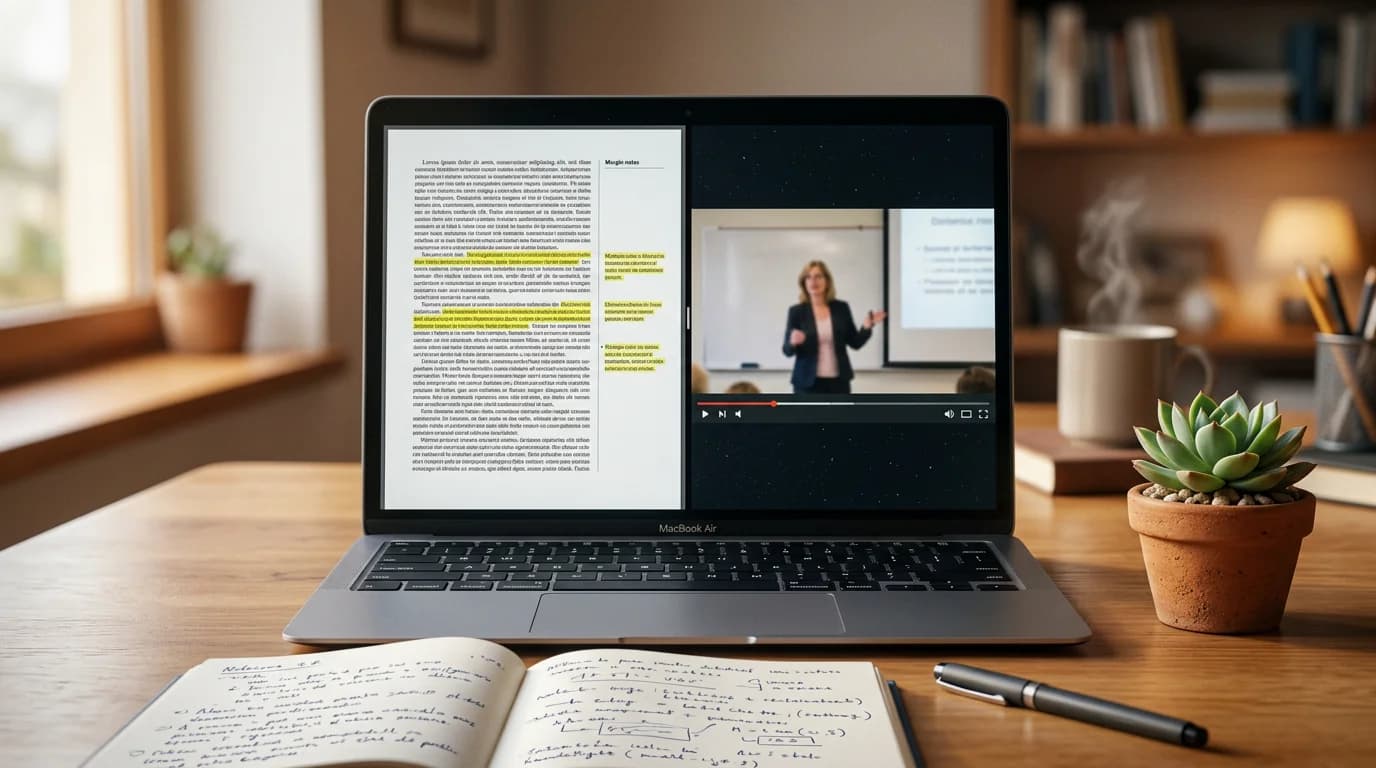
The starting point for most AI study assistants is ingesting your course materials. Upload a PDF, paste in lecture notes, or link to a document, and the AI extracts key concepts, generates structured summaries, and identifies the most likely exam-relevant content.
This is useful as a first step — it reduces the manual work of organising notes and surfaces the structure of dense material quickly. But it's only a first step. A tool that only does this is a content processor, not a study assistant.
Flashcard and Quiz Generation
From your processed materials, AI study assistants can generate flashcards and practice questions automatically. This removes the time-consuming work of manually creating review materials and ensures full coverage of your course content — including sections you might have skipped over when creating cards manually.
The quality of generated flashcards varies significantly between tools. The best ones generate cards that require genuine recall — not just recognition of a term from a list — and cover conceptual understanding rather than just surface-level facts.
Q&A and Explanation
Ask questions about your course material and receive explanations grounded in your specific documents. This is more useful than asking a general AI the same question because the answer reflects your professor's framing, your course's emphasis, and the terminology your exam will use.
Good Q&A features go further: they identify when a question suggests a gap in understanding and proactively surface related concepts rather than just answering the literal question asked.
Performance Tracking and Spaced Repetition
This is where AI study assistants separate most clearly from basic study tools. A system that tracks your performance across sessions — which flashcards you recalled correctly, which practice questions you got wrong, how your accuracy on different topics changes over time — can make decisions that a static tool can't.
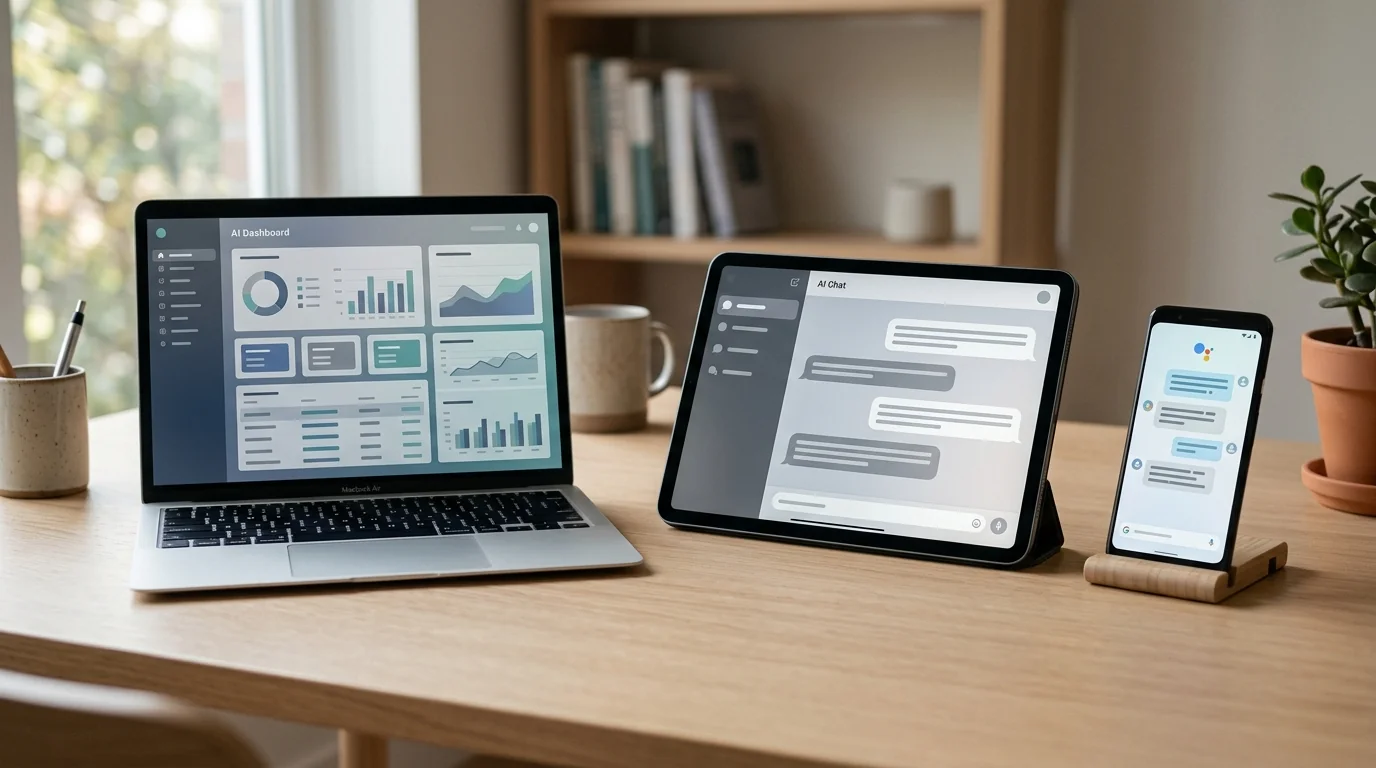
It can schedule flashcard reviews at the optimal interval based on your individual recall history (spaced repetition). It can prioritise weak topics in your next session. It can show you a dashboard of your knowledge state across your whole course, making it clear where the gaps are before an exam surfaces them.
Adaptive Study Planning
The most advanced AI study assistants don't just respond to your questions — they proactively plan your study sessions. Based on your performance history, your exam date, and the volume of material you still need to cover, they suggest what to study today and how long to spend on each topic.
This removes one of the biggest inefficiencies in student study habits: spending time on material that's already been mastered because it feels comfortable, while avoiding weaker areas because they're harder.
What Makes One AI Study Assistant Better Than Another
Memory depth — how far back does the tool's performance tracking go, and how much does it influence what the tool shows you today?
Material specificity — does the tool work from your actual course documents, or does it give you generic treatments of the subject that may not match your course's framing?
Active recall design — does the tool require you to retrieve information before showing you the answer, or does it primarily present content passively?
Feature integration — do the flashcard, quiz, Q&A, and review-scheduling features share data with each other, or does each operate independently?
Accuracy of generated content — does the tool generate accurate flashcards and questions, or does it occasionally produce confident-sounding errors? This is particularly important in technical subjects where a wrong answer can be worse than no answer.
Who Benefits Most from AI Study Assistants
AI-powered study assistants deliver the most value to students who:
Have large volumes of material to cover. The content processing, flashcard generation, and spaced repetition features compound in value as the volume of material increases. A student with 50 lecture slides benefits more than a student with 5.
Study across multiple subjects simultaneously. A study assistant that tracks performance across subjects gives a cross-subject view of where time is most needed — something manual tracking can't provide efficiently.
Are preparing for high-stakes exams. The more important the exam, the more valuable a tool that can tell you with confidence what you know versus what you've merely covered. Replacing "I've read this chapter" with "I've correctly recalled these concepts across five sessions" changes exam preparation significantly.
Have tried passive study methods and found they don't stick. For students who re-read notes and feel prepared but underperform in exams, an AI study assistant that enforces retrieval practice represents a structural change in how learning happens.
CuFlow as an Example
CuFlow is designed as a complete AI-powered study assistant: it processes uploaded materials, generates flashcards and quizzes, provides Q&A grounded in your documents, and tracks performance across sessions to schedule spaced repetition reviews automatically.
The study planning feature draws on your performance history and exam timeline to suggest daily study priorities. Rather than asking students to self-manage across multiple subjects and tools, it gives them a single system that adapts to their knowledge state continuously.
FAQ
What is an AI-powered study assistant?
An AI-powered study assistant is a tool that uses AI to help students learn and retain academic material. Functions typically include content processing, flashcard generation, practice quiz creation, Q&A from course materials, and performance-based spaced repetition scheduling.
How is an AI study assistant different from just using ChatGPT?
ChatGPT is a general-purpose AI with no memory of your study history, no access to your course materials (unless you paste them in each session), and no connection between study activities. An AI study assistant is purpose-built for learning: it stores your materials, tracks your performance over time, and coordinates flashcards, quizzes, and Q&A into a single connected system.
Do AI study assistants actually improve grades?
Students who use retrieval-practice-based AI study tools consistently show improved exam performance compared to students using passive study methods like re-reading. The effect is most pronounced when the tool is used consistently across multiple sessions rather than only in the days before an exam.
Are AI study assistants safe to use?
Yes, for legitimate study purposes. Using an AI study assistant to generate practice questions from your own materials, schedule review sessions, and answer questions about your course content is entirely consistent with academic integrity standards at most institutions. Using AI to generate answers on submitted assessments is a separate issue and subject to your institution's policies.
What subjects work best with AI study assistants?
Content-heavy subjects — medicine, law, biology, chemistry, economics, history, psychology — benefit most from AI summarisation, flashcard generation, and spaced repetition. Subjects that are primarily skill-based (mathematics problem-solving, programming, writing) benefit less from content-processing features but still gain from AI-generated conceptual quizzes.
How long does it take to set up an AI study assistant?
Most tools require only minutes to upload course materials and begin studying. CuFlow, for example, processes uploaded documents automatically and makes flashcards and Q&A available immediately. The personalisation features improve as you accumulate more sessions, but the tool is useful from the first session.