YouTube AI Summary: How to Get Summaries of Study Videos Without Watching Everything

·9 min read
YouTube has become one of the largest educational resources available to students. Lecture recordings, tutorial channels, documentary-style explanations — there's more study content on YouTube than most students will ever use. The problem is time. A 90-minute lecture recording contains 90 minutes of information; watching it at 2x speed still takes 45.
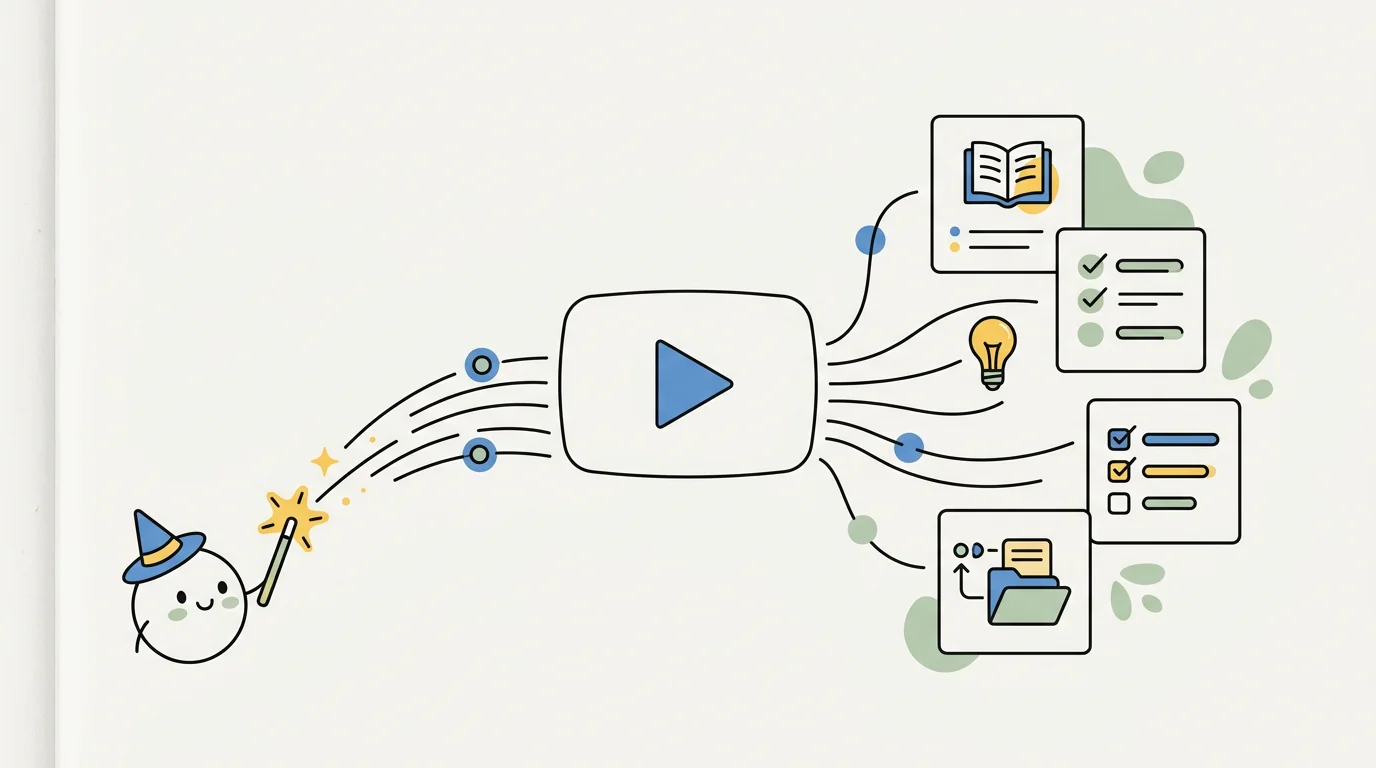
YouTube AI summary tools address that directly. They convert video content into structured text — key points, definitions, important claims — in a fraction of the viewing time. For students managing heavy content loads, the time savings are substantial.
This guide covers how YouTube AI summaries work, what they do well and miss, and which tools to use.
How YouTube AI Summaries Work
The process typically follows these steps:
-
Transcription: The tool accesses the video's transcript. YouTube auto-generates captions for most videos; AI summary tools either use these captions or generate their own from the audio.
-
Processing: The AI analyses the transcript to identify the main topics, key points, definitions, and important claims. This is the step where quality varies most between tools.
-
Output generation: The processed content is formatted as a summary — bullet points, structured notes, timestamps linking back to specific parts of the video, or in some cases flashcards and practice questions.
The accuracy of the summary depends on both the transcript quality and the AI's ability to identify what matters in the content. Auto-generated captions are often imperfect, particularly for technical vocabulary, accented speech, and fast delivery — and errors in transcription become errors in the summary.
The Best YouTube AI Summary Tools in 2026
Cuflow
Cuflow processes YouTube video URLs and generates structured study materials from the content. Unlike tools that produce bullet-point summaries, Cuflow converts lecture content into multiple formats: summaries, key concept explanations, and practice questions that test what the video covered.
For students who learn primarily from lecture recordings, this transforms passive watching into active preparation. Rather than summarising the video as a reference document, Cuflow generates the study materials needed for exam preparation.
The tool works best with educational content — lectures, tutorials, explanatory videos — rather than documentary or entertainment content that doesn't have the structured information density of course material.
Best for: Lecture recordings, exam preparation from video content, converting passive viewing into active study materials.
Summify / NoteGPT
Several browser extension tools (including NoteGPT and similar) add a summary panel directly to the YouTube interface. You're watching a lecture; the extension processes the transcript and displays a structured summary beside the video.
This integrated approach is convenient for students who work through videos sequentially — you can reference the summary while watching, jump to specific sections, and take notes alongside the AI output without switching between tools.
Quality varies between these extensions. The best ones produce clean, organised summaries with timestamps. The weaker ones produce dense bullet lists that compress all the nuance out of the content.
Best for: In-browser summarisation during viewing, quick reference while watching.
YouTube's Built-in Chapters and Summaries
YouTube has been rolling out AI-generated chapter summaries for some videos. Where available, these appear in the video description as clickable timestamps with brief descriptions of each section. It's not available for all videos, it's not configurable, and the summary depth is limited — but it's free and requires no additional setup.
For long lectures where you need to find specific sections, the chapter navigation feature is useful even without deep summarisation. Check whether the video has chapters before installing a third-party tool.
Best for: Navigating long videos, finding specific sections, zero-setup convenience when available.
ChatGPT (with transcript paste)
The most flexible approach, though not the most convenient. Get the video transcript (via YouTube's transcript button, if available, or a transcript extraction tool), paste it into ChatGPT, and ask for a structured summary. The prompt flexibility means you can ask for exactly the format you need: key definitions, main argument, things to look up further, practice questions.
The inconvenience is the manual step of extracting and pasting the transcript. For one video, it's quick; for processing a playlist of lecture recordings, it's tedious.
Best for: Flexible, customised summaries; one-off use; when you need a specific output format.
Glasp
Glasp is a highlighting and note-taking extension that adds AI summary features for YouTube and web pages. It's particularly useful for research workflows where you want to highlight specific parts of the transcript and have those highlights synthesised into a summary.
For students who want to annotate video content similarly to how they annotate documents, Glasp provides a consistent workflow across both formats.
Best for: Research workflows, annotation and highlighting alongside summary, consistency across video and document content.
What YouTube AI Summaries Do Well
Lecture recordings with clear structure: Videos where the presenter introduces topics, transitions between points, and summarises sections produce the best AI summaries. The more clearly structured the original content, the more useful the output.
Long-form educational content: For videos over 30 minutes, AI summaries save the most time relative to watching. Identifying the key 20% of content in a 90-minute lecture and reviewing that specifically is significantly more efficient than watching the full lecture at reduced speed.
Technical vocabulary with clear definitions: When a lecturer explicitly defines terms, AI tools capture those definitions reliably. The summary becomes a reference document for the course vocabulary.
Multiple-pass study: AI summaries are particularly effective as a first pass — getting an overview before watching — or as a final review after watching to consolidate the key points.
What YouTube AI Summaries Get Wrong
Nuance and qualification: Summaries compress. The qualifications, counter-arguments, and "but only when X" conditions that make academic content rigorous often get dropped in favour of the main claim. This matters for essay writing and advanced understanding.
Non-verbal information: Diagrams, demonstrations, visual examples, and board work don't translate to text summaries. For STEM subjects where the explanation involves visual content, the transcript summary misses a substantial part of the teaching.
Poor-quality audio: Accented speech, background noise, fast delivery, and technical jargon all produce transcription errors. Those errors propagate into the summary. For lecture recordings with suboptimal audio quality, verify key points against your own notes.
Context-dependent claims: In lectures, the significance of a specific statement often depends on what came before it. AI summaries sometimes capture the statement but miss why it mattered in context. This is a consistent limitation across all current summarisation tools.
How to Use YouTube AI Summaries Effectively
Use summaries as a starting point, not a replacement. For high-stakes content — core lectures, material you'll definitely be examined on — watch the video, use the summary to consolidate your notes. For supplementary content, a summary may be sufficient.
Ask the AI what to focus on. Rather than accepting the AI's choice of what's important, prompt it: "Given that this is a lecture on X for a second-year economics course, what are the three most examinable points from this video?"
Cross-check against your notes. If a lecturer spends 15 minutes on a topic, that topic is probably important — regardless of how much space it gets in the summary. Use the timestamp feature to verify that the summary reflects emphasis, not just content.
Generate practice questions. A summary tells you what the video covered. Practice questions test whether you've retained it. Tools that generate questions from lecture content (like Cuflow) are more directly useful for exam preparation than tools that stop at the summary.
For a broader look at video-based study tools, see: AI for PDFs and YouTube study and best video summarizer tools.
YouTube AI Summary for Different Types of Study Content
University lecture recordings
The primary use case. Long, structured content with clear topics. AI summaries save significant time; use them as a starting point before reviewing sections that need closer attention.
Tutorial and how-to videos
For practical skills, summaries are less useful than watching because the doing is part of the learning. Summaries work for identifying the steps and key concepts; they don't replace watching the technique demonstrated.
Documentary and long-form educational content
Useful for identifying relevant sections in long videos. Less useful for generating study materials because documentary content isn't structured around clearly assessable concepts.
Recorded seminars and panel discussions
AI summaries of discussions are variable in quality — conversations are less structured than lectures, and identifying the key points requires more judgment. Useful for extracting specific positions on topics; less useful as comprehensive study notes.
Frequently Asked Questions
What's the best free YouTube AI summary tool?
YouTube's built-in chapter summaries (where available) require no setup. ChatGPT with a pasted transcript is free and flexible. Browser extensions like NoteGPT have free tiers with limited monthly summaries.
Can AI summarise any YouTube video?
Any video with a transcript (auto-generated or manual captions). Videos without captions or with very poor audio quality produce lower-quality summaries. Most lecture recordings and educational content has adequate captioning for AI processing.
How accurate are YouTube AI summaries?
For well-structured educational content with clear captions, reasonably accurate on main points and key concepts. Less accurate for nuanced arguments, qualified claims, and content that relies on visual explanation. Treat summaries as notes that need verification, not authoritative documents.
Can I turn a YouTube summary into flashcards?
Yes. Tools like Cuflow process YouTube content and generate flashcards directly. Alternatively, paste a transcript or summary into any flashcard AI tool and ask it to generate question-answer pairs. See: best flashcard creator apps.
Is it possible to summarise a full lecture playlist?
Some tools handle playlists; most work one video at a time. For processing a full course's worth of lecture recordings, Cuflow allows you to process multiple videos and build a connected set of study materials from the full course content.
Summary
YouTube AI summary tools save substantial time for students managing heavy lecture loads. The best tools — Cuflow for exam preparation, browser extensions for quick in-video reference, ChatGPT for flexible custom summaries — each fit different parts of the study workflow.
The limitation to keep in mind is that summaries compress and select. They're a starting point for engagement with content, not a replacement for it. The students who use YouTube AI summaries most effectively treat them as navigation tools — quickly identifying the most important sections of long videos and the key concepts that need deeper review — rather than as shortcuts around watching.
For students processing lecture recordings alongside PDFs and reading materials into comprehensive study preparation, CuFlow handles all formats in the same workflow. See also: AI to summarize YouTube videos for a comparison of dedicated video summarisation tools.