Best Video Summarizer Tools in 2026 (YouTube, Lectures, and More)

·10 min read
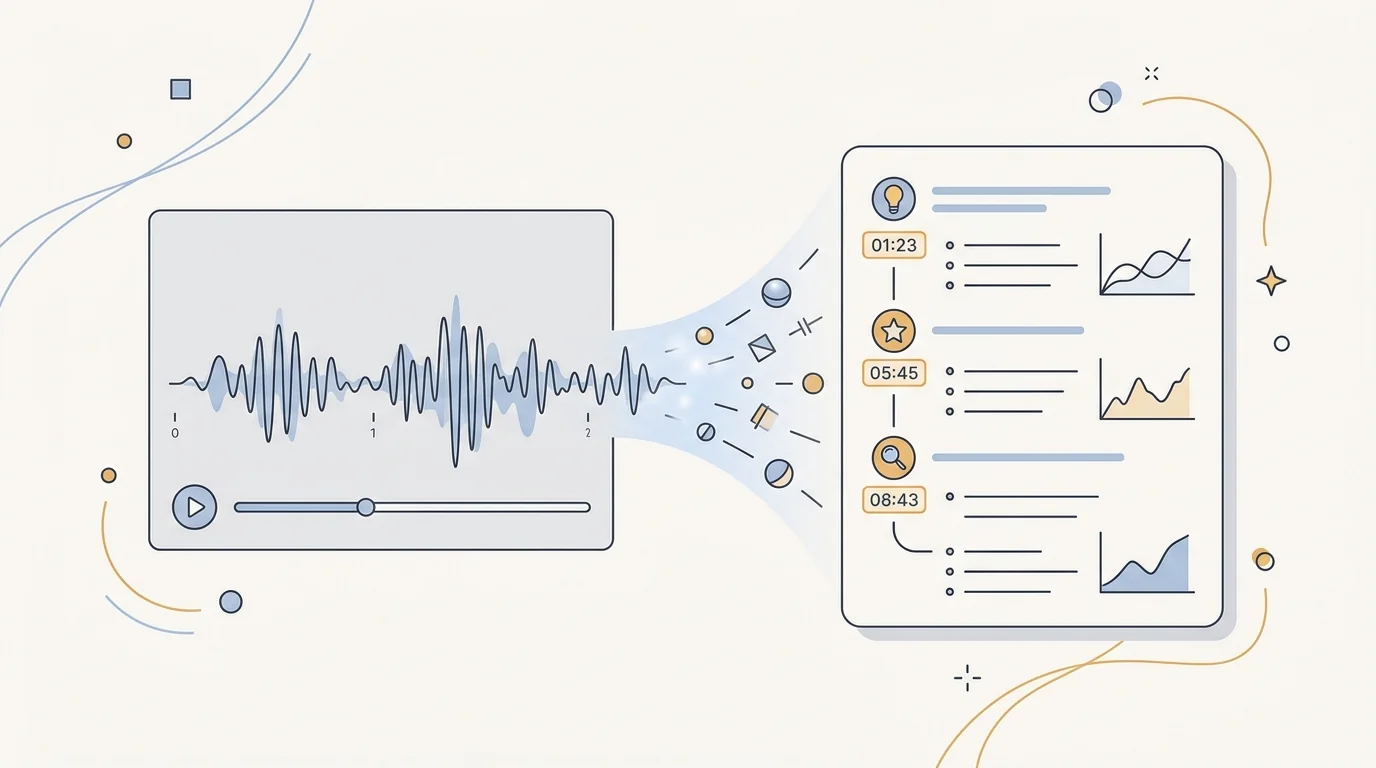
Video content has become central to how students learn. Recorded lectures, YouTube explanations, online course videos, documentary clips assigned as course readings — the amount of video material assigned in a typical semester continues to increase. Video summarizer tools exist to help students process this content without watching every minute of every video at full speed.
But not all video summarizers are equal. Some produce accurate, well-structured notes that genuinely capture what's important. Others generate generic paraphrases that miss the specific arguments, definitions, and examples that make a video academically useful. This guide identifies the best video summarizer tools in 2026 — what each does well and which situations each is suited for.
What a Good Video Summarizer Does
A video summarizer converts audio content (typically via an auto-generated transcript) into structured text. The best tools go beyond simple transcript cleanup to:
- Identify chapter and section breaks — organising the content by topic rather than producing a single undifferentiated wall of text
- Extract key claims and definitions — not just what was said, but what matters
- Generate timestamps — so you can jump to specific sections in the original video when needed
- Support Q&A on the video content — letting you ask specific questions rather than relying on a fixed summary
- Convert video content into study materials — flashcards, quiz questions, outline notes
The quality of the transcript is the limiting factor for any video summarizer. Auto-generated captions — from YouTube or from lecture recording systems — vary in accuracy depending on audio quality, speaker accent, and subject-specific terminology. Tools that use higher-quality transcription models (Whisper and its successors) produce significantly better summaries than those relying on YouTube's built-in captions alone.
The 7 Best Video Summarizer Tools in 2026
1. CuFlow — Best for Turning Lectures Into Study Materials
CuFlow is the strongest option for students who want to move from video summarization directly into exam preparation. Paste a YouTube link and CuFlow transcribes the video, produces a structured summary, extracts key concepts, and generates flashcards and quiz questions — all grounded in the specific content of that video.
The educational advantage is significant: you're not just getting a text version of the video, you're getting active study materials created from it. Quiz questions from a lecture video surface the same types of factual and conceptual questions that appear in assessments. Flashcards from video content integrate with CuFlow's spaced repetition scheduling, so you review what you're most likely to forget at the right interval.
For students with large volumes of recorded lecture content, the CuFlow workflow is significantly faster than manual note-taking while producing more examination-ready materials than passive re-watching.
Best for: Students who want video summaries integrated with flashcard and quiz generation for exam preparation.
2. Recall — Best for YouTube Video Summarization
Recall is a browser extension specifically designed for YouTube summarization. Open any YouTube video and Recall generates a structured summary with timestamps, key points, and chapter breakdowns. The AI model quality is strong and the summaries accurately capture the main arguments and examples of most content.
The timestamps are particularly valuable — rather than reading the summary and then watching the video from scratch when you want to review a specific point, you can jump directly to the relevant section. This makes Recall efficient for both initial summarization and targeted review.
Free tier covers basic summaries. Paid plan extends to longer videos and more detailed outputs.
Best for: Students primarily summarising YouTube content who want a fast, accurate browser extension.
3. Notta — Best for Lecture Recording Transcription
Notta is a transcription and summarization tool designed primarily for meeting and lecture recordings rather than YouTube videos. Upload an audio or video file (MP3, MP4, M4A, WAV) and Notta transcribes it with high accuracy using a Whisper-based model, then generates a structured summary.
For students whose university uses lecture capture systems that provide downloadable video files, Notta handles local video files that YouTube-only tools can't process. The speaker diarization feature (identifying who is speaking) is useful for seminars and recorded discussions with multiple participants.
The free tier is limited in transcription minutes per month. Paid plans provide sufficient capacity for a full semester of lecture recordings.
Best for: Students who need to transcribe and summarise downloaded lecture recordings, not just YouTube content.
4. Otter.ai — Best for Live Lecture Notes
Otter.ai differs from other tools on this list by working in real time. Install the app on your phone or laptop, and it transcribes spoken content as it happens — generating live notes during a lecture, seminar, or group discussion. After the session, it produces a summary of the full transcript.
For students who find manual note-taking distracting during lectures (focusing on writing rather than understanding), Otter's live transcription lets you listen actively while the note-taking happens automatically. The summary review after the lecture then replaces the re-reading step.
The free tier provides 300 minutes of transcription per month. Paid plans expand this significantly. Most students find the free tier sufficient if used selectively for the most important lectures.
Best for: Students who want live lecture transcription during class, not just post-lecture summarization.
5. Glasp — Best for YouTube + Web Content Combined
Glasp is a social web highlighting and summarization tool that handles both YouTube videos and web articles. For students who read online articles as well as watching videos, the unified interface reduces tool-switching friction — you can highlight and summarize both formats in the same place.
The YouTube summarization quality is solid for most educational content. The social layer — seeing what other users have highlighted in the same content — is occasionally useful for identifying which sections of a popular resource are most widely considered important.
The free tier is functional for most students. No hard limits on the core summarization features.
Best for: Students who want to summarise YouTube videos and web articles in a single tool.
6. Google NotebookLM Audio Overview — Best for Multi-Source Audio Review
Google NotebookLM's Audio Overview feature converts your uploaded documents and videos into a podcast-style discussion between two AI voices. This isn't a traditional video summarizer — you're generating a new audio format from your existing materials, rather than summarising a specific video.
For students who absorb information better aurally and want to review their course materials during commutes or physical activity, the Audio Overview format is genuinely useful. The discussion format adds context and reinforces connections between concepts in a way that bullet-point summaries don't.
Best for: Students who prefer audio review and want to convert their course materials into podcast-format summaries.
7. Summarize.tech
Summarize.tech is a simple, free YouTube summarizer that requires no account setup. Paste a YouTube URL and receive a structured summary with section breakdowns. It's not the most feature-rich tool, but it's fast, free, and requires no installation.
For occasional, quick summarization of a single video without a workflow setup, Summarize.tech is the fastest starting point. The quality is adequate for most educational content. For regular, workflow-integrated summarization, one of the more featured tools above is a better long-term choice.
Best for: One-off quick YouTube summarization without account setup.
Video Summarizer Limitations to Know
Accuracy degrades with poor audio. Auto-transcription quality depends heavily on recording quality, speaker clarity, and audio noise. Lectures recorded in large auditoriums with distant microphones, or videos with heavy background noise, produce transcripts with more errors — and summaries that inherit those errors.
Technical terminology is frequently mistranscribed. Discipline-specific vocabulary, proper nouns, and field-specific acronyms are often incorrectly transcribed by general-purpose models. If the summary references "mitosis" as "my toes is" or "Keynesian" as "Canes ian," the underlying transcript has quality issues that affect the summary's reliability.
Summaries reflect time allocation, not importance. A professor who spent 40 minutes on one topic and 5 minutes on another will produce a transcript — and a summary — that proportionally reflects that time allocation. This doesn't always match the exam weighting. Apply your own judgement about what matters based on your syllabus and past papers.
Context within your course is missing. A video summarizer doesn't know what you've already covered, what your exam will assess, or how this video fits into the broader course narrative. The summary tells you what's in the video; the relevance filtering is your job.
How to Get the Most From a Video Summarizer
Review the summary first, then watch targeted sections. The most time-efficient approach is reading the summary to identify which sections are most relevant to your current study focus, then watching only those sections at full speed. This typically reduces time spent on video content by 60-70% without sacrificing important detail.
Generate questions from the summary. A summary on its own produces familiarity. Converting the key points from the summary into questions — "What did the lecturer identify as the three main causes of X?" — produces the active retrieval that builds durable memory.
Check summary accuracy on key claims. If a summary includes a specific claim that will inform your essay argument or exam answer, verify it against the original video before using it. AI summaries are reliable for general content but occasionally introduce imprecision on technical specifics.
Combine with other course materials. Video summaries are most valuable when integrated with your other notes from the same topic. A lecture video summary cross-referenced with the accompanying lecture slides and reading notes produces a more complete and exam-ready set of materials than any single source alone.
Frequently Asked Questions
What is the best free video summarizer for students?
Recall (browser extension) and Summarize.tech are the best free options for YouTube summarization. CuFlow's free tier is the best option if you want video summarization integrated with flashcard and quiz generation for study. For live lecture transcription, Otter.ai provides 300 free minutes per month.
Can I summarise a recorded lecture that's not on YouTube?
Yes. Notta and Otter.ai both accept uploaded audio and video files, so you can summarise recorded lectures from institutional systems like Echo360 or Panopto if you can download the file. CuFlow supports uploaded video content. Check your institution's policy on downloading and processing lecture recordings.
How accurate are AI video summarizers?
Accuracy for clearly spoken, standard educational content is generally high with modern tools. Accuracy decreases for poor audio quality, heavy technical vocabulary, non-native speaker accents, and fast-paced delivery. Always cross-reference specific claims against the original before using them in academic work.
Do video summarizers work for non-English content?
Most AI video summarizers work best with English content. Multilingual support varies: Notta and Otter.ai have broader language support. Whisper-based transcription models support dozens of languages with varying accuracy. For non-English academic content, test your specific tool on a sample before relying on it for important study materials.
Will summarising lecture videos count as academic misconduct?
Using a video summarizer to create personal study notes from lecture content is generally not academic misconduct — it's equivalent to note-taking. Using AI to write assessed submissions based on those notes may fall under your institution's AI policy. Check your institution's guidelines if you're unsure about a specific use case.
Choosing Your Video Summarizer
For most students, the decision is simple: CuFlow if you want summarization that feeds directly into exam preparation materials; Recall if you primarily need YouTube summaries with good timestamps; Notta if you need to process downloaded lecture recordings.
The tool that fits your specific workflow — YouTube-heavy vs. downloaded lecture files, casual review vs. intensive exam prep — will save you the most time. Start with one, use it consistently for a few weeks of genuine coursework, and evaluate whether it's improving how you engage with video content. That's the only reliable test.