Best PDF Document Summarizer Tools for Students in 2026

·8 min read
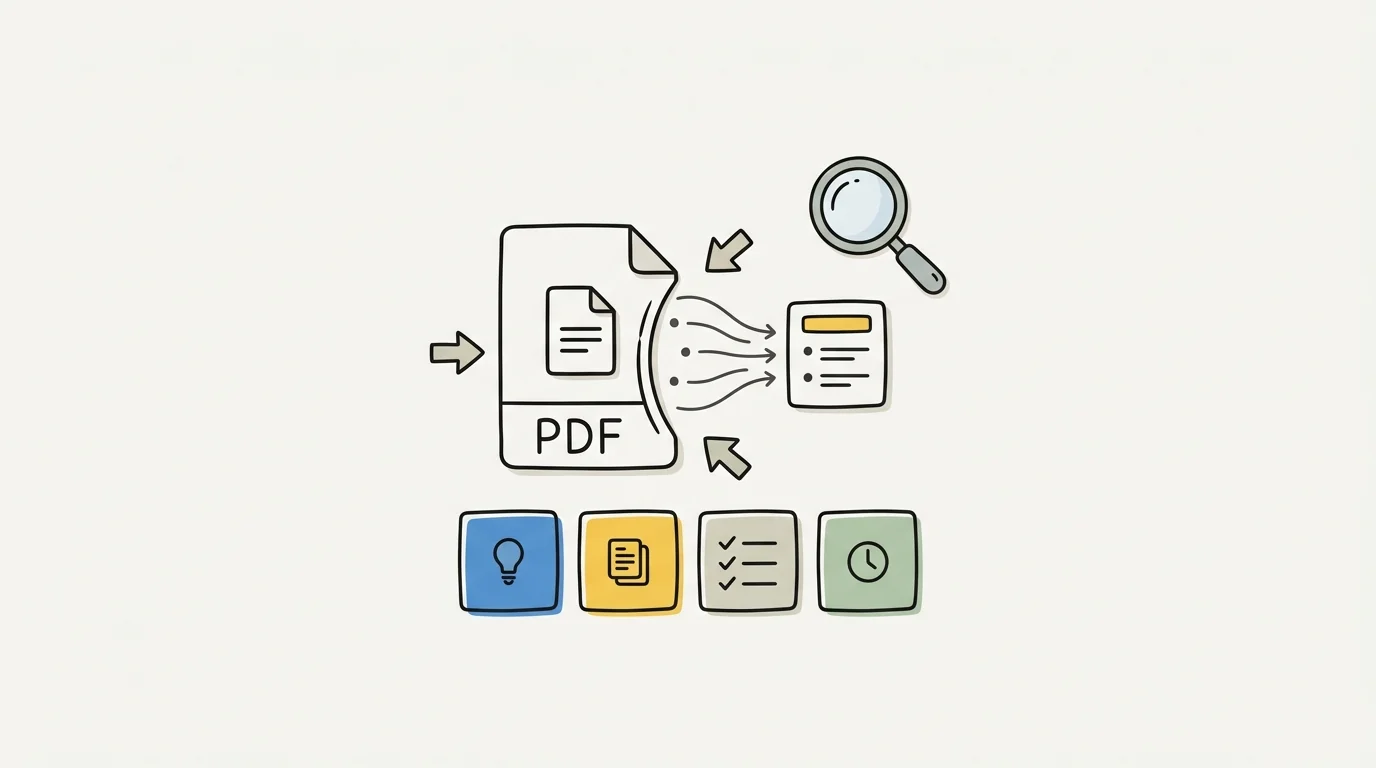
A PDF document summarizer that actually helps with studying isn't just a text compressor. The tools that make a difference for students can answer questions about a document, pull out the main arguments and evidence, and connect content to what else you're studying. Basic summarization — "here are the key points" — has been around long enough that it's table stakes, not a differentiator.
This guide focuses on tools that do the useful things students need: interrogating documents, generating study materials, and retaining nuance rather than flattening everything into bullet points.
What Makes a PDF Summarizer Useful for Students?
The typical use case for a student using a PDF summarizer is one of these three: they have a reading to get through before class, they're preparing for an exam using textbook chapters, or they're researching an essay and need to process multiple documents efficiently.
Each requires slightly different things from the tool.
For pre-class preparation, speed and accuracy are the priorities. You need the main argument, the key supporting points, and the concepts the lecturer is likely to refer to.
For exam preparation, summary quality matters less than the ability to generate practice questions, identify definitions, and flag concepts you don't understand for further review. That's more than summarization — it's conversion from reading material into study material.
For research, being able to ask specific questions of a document is what saves time. "What does this paper say about the relationship between X and Y?" is more useful than a top-level summary that may not include the specific point you need.
The Best PDF Document Summarizer Tools in 2026
Cuflow
Cuflow is built around the exam preparation use case. Upload a PDF — a lecture reading, textbook chapter, or academic paper — and it processes the document into summaries, flashcards, practice questions, and key concept explanations. The output isn't just a compressed version of the document; it's a set of study materials generated from it.
The document Q&A feature lets you ask specific questions about the content, which is useful for both research and checking your understanding of specific concepts.
For students who read primarily to prepare for assessments, Cuflow's approach is more directly useful than tools that produce summaries and stop there. The summary gets you through the reading; the generated practice questions test whether you understood it.
Best for: Exam preparation, converting readings into study materials, students with heavy reading loads.
ChatPDF
ChatPDF is a lightweight tool focused specifically on PDF document interaction. Upload a PDF and it becomes a conversation partner — you can ask questions about it, request summaries of specific sections, and get explanations of concepts mentioned in the document.
It's fast, free for moderate use, and doesn't require any account setup for basic use. The conversational interface makes it easy to interrogate documents rather than just receive a top-level summary.
The limitation is that it doesn't generate study materials or connect across multiple documents. If you want to ask questions about your entire reading list as a connected body, ChatPDF works one document at a time.
Best for: Quick document interrogation, understanding specific passages, light research use.
Adobe Acrobat AI (Acrobat Reader)
Adobe Acrobat's AI features are built into the PDF viewer that many students already have access to. The AI assistant summarises documents, allows document queries, and highlights key sections. If your institution provides Adobe CC licenses, this is already available to you.
The quality is solid across a range of document types. Adobe's years of PDF processing experience show in how reliably it handles different layouts, multi-column text, and scanned documents. The integration with Acrobat's annotation features is useful for combining AI summaries with your own notes.
Best for: Students with Adobe CC access, annotating while summarising, well-formatted documents.
Scholarcy
Scholarcy is designed specifically for academic papers and research documents. It produces structured summaries with sections for key findings, methods, conclusions, and terminology — the kind of summary structure that academics actually care about.
For literature reviews and research essays, Scholarcy's output is more useful than general-purpose summarizers because it preserves the structural distinctions that matter in academic writing. A summary that merges methodology with findings is less useful for research purposes than one that keeps them separate.
Best for: Research papers, literature reviews, academic writing preparation.
Humata
Humata allows you to upload multiple PDFs and query across them. That capability is the differentiator — most tools work on one document at a time, while Humata lets you ask "what do these three papers say about X?" and synthesise across your reading list.
The free tier is limited by document pages per month. Paid tiers expand this significantly. For students doing research-heavy coursework, the ability to query across a reading list rather than working through documents individually is a real time-saver.
Best for: Research involving multiple sources, comparative analysis, synthesising across reading lists.
Claude (Anthropic)
Claude can process long PDFs and answer questions about them. It's particularly strong on nuanced document analysis — understanding tone, intention, and argument, not just factual content. For humanities and social science students who need to engage with how an argument is being made rather than just what it says, Claude's analytical capability is a genuine advantage.
The context window is generous, which means it can hold a full academic paper in working memory and reason across the entire document rather than just portions of it.
Best for: Analytical engagement with texts, humanities and social science documents, nuanced interpretation.
How to Summarize PDFs Effectively
Not all PDFs produce equally useful summaries. A few things affect quality significantly:
Text quality in the PDF: Scanned documents with poor OCR produce garbled summaries. If the document is a scan, check whether a text version exists before running it through a summarizer.
Document structure: Well-organized documents with clear headings, numbered sections, and explicit topic sentences produce better summaries. Dense continuous prose without structural cues is harder for AI to parse.
Length: Very long documents (50+ pages) may be truncated or summarized at a high level that misses important detail. For long documents, breaking them into chapters or sections and summarising each part separately often produces better output.
What you tell the tool: "Summarize this" produces a different result from "Identify the main argument, the three key supporting points, and any counterarguments addressed." Specificity in your request improves output quality across all these tools.
PDF Summarization for Different Use Cases
For Preparing for Class
You don't need every detail — you need the main argument and the key concepts the lecture is likely to engage with. A quick summary plus a few questions the document raises is often more useful than a comprehensive breakdown.
For Exam Revision
Convert summaries into study materials as you go. Don't just read summaries passively — generate questions from the content, identify terms that need to be understood and recalled, and flag sections for deeper review. Cuflow handles this conversion directly; for other tools, you'll need to create the study materials as a separate step.
For Research and Essays
Prioritise tools that allow document interrogation over those that just produce summaries. Being able to ask "what does this say about the role of X in Y?" saves significantly more time than reading a general summary and then having to locate specific content manually.
For PDF-heavy research workflows, see also: how to extract key takeaways from lectures and PDFs.
Frequently Asked Questions
What's the best free PDF summarizer?
ChatPDF is the strongest free option for document Q&A and basic summarization. Adobe Acrobat AI is available free through many student institutional licences. Claude's free tier handles long documents well for analytical use.
How accurate are AI PDF summaries?
Accuracy varies by tool and document type. For well-structured academic texts, summaries are generally reliable on the main argument and key points. Nuanced claims, qualifications, and specific evidence tend to be underrepresented. Always verify specific factual claims before including them in your own work.
Can AI summarize a 100-page PDF?
Some tools handle documents up to 100+ pages; others truncate. Claude and Humata handle longer documents better than most. For very long documents, summarizing section by section typically produces better quality output than attempting the full document at once.
Is it safe to upload university papers to AI summarizers?
For most tools, uploaded documents are processed by the AI and may be stored temporarily. For sensitive documents — proprietary research, confidential case studies — check the tool's privacy policy. Most mainstream tools don't use uploaded content for model training, but this varies.
How is a PDF summarizer different from a PDF reader?
A PDF reader displays the document as-is. A PDF summarizer uses AI to compress, reorganise, or interact with the content. The key difference for students is that a summarizer can save time on dense readings and help identify what matters — something a reader that just renders the PDF can't do.
Summary
The best PDF document summarizer for students depends on what phase of study you're in. For exam preparation and converting readings into study materials, Cuflow's approach goes beyond summarization into active learning. For quick document interrogation, ChatPDF is the fastest free option. For research involving multiple papers, Humata's cross-document querying saves the most time.
The common thread across all these tools is that summarization is most valuable when it's a starting point for engagement, not a substitute for reading. The students who use PDF summarizers most effectively are those who use them to identify what to focus on, then engage with those sections properly — rather than using a summary to skip the document entirely.