How to Extract Key Takeaways From Any Lecture or PDF Using AI

·10 min read
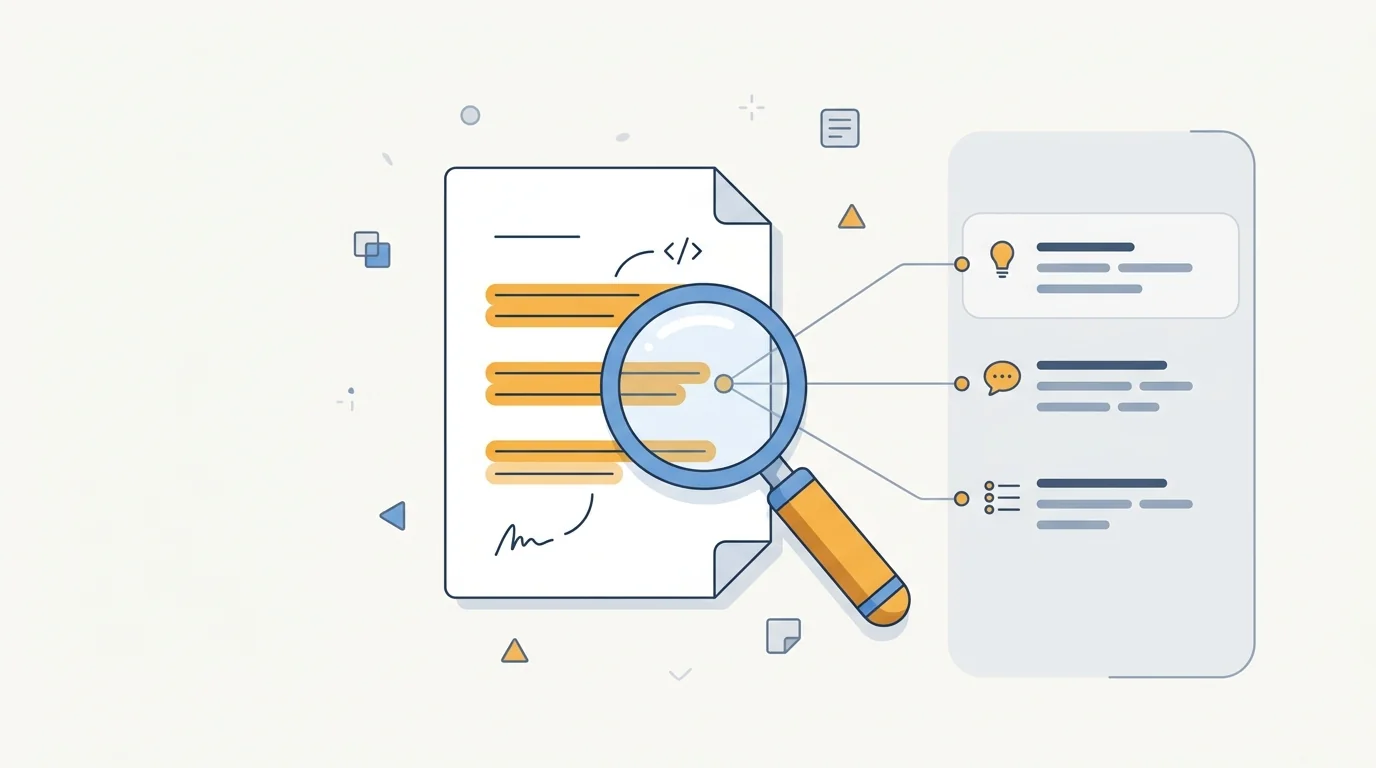
The ability to extract key takeaways from complex material is one of the most transferable skills in academic and professional life. A two-hour lecture, a 40-page research paper, a dense textbook chapter — the students who perform consistently across subjects are typically those who can identify what matters in a body of material and retain it without memorising everything verbatim.
AI tools have fundamentally changed how this process works. What once required careful manual annotation and note-taking can now be partially automated — but the automation is only valuable if you understand what good key takeaway extraction actually looks like and where AI tools are likely to go wrong.
What "Key Takeaways" Actually Means
A key takeaway isn't just a summary sentence. It's a piece of information that:
- Changes how you understand a topic (a concept you didn't know before, or a framework that reframes something you did)
- Is likely to be tested (exam questions, seminar discussions, essay prompts tend to target specific claims, definitions, and relationships)
- Is actionable (you can apply this understanding to solve a problem, construct an argument, or make a decision)
The distinction matters for AI-assisted extraction. When you ask an AI to "list the key takeaways" from a document, it will give you accurate, representative points — but it doesn't know which of those points are most likely to appear on your specific exam, matter most for your particular essay, or fill the specific gaps in your existing knowledge.
That filtering step is still yours. AI speeds up extraction; you supply the judgement about what's actually useful.
Step 1: Upload Your Material and Generate a Structured Summary
The fastest starting point is uploading your PDF or pasting your lecture notes into an AI tool that can process the full document.
What to use:
- CuFlow: Upload your PDF and it generates a structured summary grounded in your actual document — not a generic AI response about the topic. It also extracts key concepts and definitions automatically, which gives you a strong initial key takeaways list.
- Google NotebookLM: Strong for research papers and multi-source material. Produces clean summaries with citations so you can verify which part of the document each point came from.
- ChatGPT or Claude: Paste sections of text directly and ask for a structured key takeaways list. More manual than dedicated study tools but flexible.
What to ask:
Don't ask "summarise this" — that produces prose, not a structured list. Ask instead:
- "List the 5-7 most important concepts in this text with a one-sentence explanation of each."
- "What are the key claims this paper makes, and what evidence does it provide?"
- "Identify all definitions the author provides for technical terms in this section."
- "What questions would a lecturer likely ask about this material in an exam?"
The specificity of the prompt determines the specificity of the output.
Step 2: Filter by Exam Relevance
AI tools don't know your course. They don't have your syllabus, they haven't read your past exam papers, and they don't know which topics your specific lecturer emphasises. After generating an initial list, filter it against these sources:
Past exam papers. The most reliable guide to what matters. If thermodynamic entropy has appeared in the final exam for three consecutive years, it's a key takeaway whether or not the AI flagged it. Most institutions make past papers available through the library or VLE.
Learning outcomes. Most course guides specify the learning outcomes for each module — the things students are expected to be able to explain, apply, or critically evaluate. A key takeaway that directly addresses a learning outcome is almost certainly testable.
Seminar and discussion questions. Topics chosen for seminar discussion are nearly always considered important by the module convenor. If a concept appears in the seminar readings and discussion questions, weight it heavily.
Lecturer emphasis. Note which topics your lecturer spent the most time on, returned to across multiple lectures, or explicitly labelled as "important." These are strong signals even when the AI doesn't flag them as central.
Step 3: Convert Takeaways Into Active Recall Materials
This is where most students stop short. Extracting key takeaways as a list is useful for orientation — knowing what matters in a topic. But a list of key takeaways doesn't produce durable memory. Active recall does.
Convert each takeaway into a question. Instead of "Cognitive load theory posits that working memory is limited and instruction design should manage this," write: "What does cognitive load theory say about working memory, and what implications does it have for instruction design?" Testing yourself on the question builds recall; reading the answer builds familiarity. Only recall transfers to exam performance.
Use CuFlow's quiz and flashcard generation. After uploading your material, CuFlow generates quiz questions and flashcards directly from the content — often capturing exactly the kind of factual and conceptual questions that appear in assessments. The spaced repetition scheduling then surfaces these questions at optimal review intervals, so the key takeaways you're most likely to forget get reinforced before you've forgotten them.
Apply the Feynman technique to complex concepts. For key takeaways that represent genuinely complex ideas — causal mechanisms, multi-step processes, contested theoretical positions — write a plain-language explanation as if you were teaching the concept to someone with no background knowledge. Where you struggle to explain clearly, you've found the gap in your understanding.
Step 4: Link New Takeaways to What You Already Know
Isolated facts are harder to remember than connected ones. A key takeaway that links to something you already know is more durable than a standalone fact. When reviewing your extracted points, ask:
- How does this relate to the topic from last week?
- Does this confirm, contradict, or extend what I read in the other source?
- Can I think of a real-world example that demonstrates this principle?
This process — integrating new information into existing knowledge — is called elaborative interrogation in cognitive science, and it's one of the highest-evidence study strategies available. It doesn't require any tools; it requires asking "how does this fit with what I already know?" after every significant new takeaway.
What AI Gets Wrong in Key Takeaway Extraction
Understanding AI limitations helps you use these tools more effectively.
Over-representation of structure rather than content. AI summarizers tend to produce well-structured, representative summaries — but "representative" isn't the same as "most testable." A balanced summary covers all sections proportionally. An effective study key takeaways list weights concepts by their likely exam importance, which may be very unequal.
Paraphrase without precision. Technical definitions require precise language. If a key takeaway involves a specific term with a specific meaning in your discipline, check that the AI's version preserves the precision of the original. Paraphrased definitions can subtly shift meaning — and in assessments where precise use of terminology matters, this is a real problem.
Missing implicit arguments. Research papers often make important arguments through the arrangement and selection of evidence rather than explicit statement. AI tools extract what's explicitly stated more reliably than what's implied. For complex academic texts, close reading of the key sections is still necessary.
Hallucination in citation-heavy documents. When processing research papers with heavy citation, AI tools occasionally conflate the author's claims with the claims of cited works. Verify any specific claim that will appear in your essay against the original text.
Practical Workflow: From Lecture to Exam-Ready Notes
Here's a complete workflow for any new piece of lecture or reading material:
During or immediately after lecture:
- Note (briefly) the topics covered and any explicit "this is important" signals from the lecturer
- Download any slides or supplementary PDFs from your LMS
Within 24 hours:
- Upload the material to CuFlow (or your tool of choice)
- Generate structured summary and initial key concepts list
- Filter against your past exam papers and module learning outcomes
- Identify 5-8 key takeaways per lecture or reading
Study session:
- Convert key takeaways into questions
- Use CuFlow's quiz generation to supplement with exam-style questions
- Apply Feynman technique to any concepts you can't explain clearly
- Link new takeaways to previously extracted material from the same module
Review:
- Let spaced repetition handle scheduling — CuFlow surfaces weak material automatically
- Review your key takeaways list one week and two weeks before the assessment
- Use the list for essay planning: which of these takeaways can I use as evidence?
Frequently Asked Questions
What are key takeaways in a study context?
Key takeaways in a study context are the specific concepts, definitions, arguments, and relationships from a piece of material that you need to understand and retain for assessments, essays, and seminars. They're not a summary of everything — they're a curated list of what matters most given your learning objectives.
How do I identify key takeaways from a lecture?
Identify key takeaways by noting what the lecturer emphasised most (time spent, repetition, explicit signals like "this is important"), what appears in the learning outcomes for the session, what is likely to be tested based on past exam papers, and what represents genuinely new or challenging concepts rather than review of prior knowledge.
Can AI extract key takeaways accurately?
AI tools extract accurate, representative takeaways from documents well. The limitation is relevance — AI doesn't know which of those takeaways matter most for your specific course, exam format, or essay question. Use AI for initial extraction, then filter against your syllabus, past papers, and learning outcomes.
What's the best tool for extracting key takeaways from PDFs?
CuFlow and Google NotebookLM are the strongest options for PDF key takeaway extraction. CuFlow integrates extraction with flashcard and quiz generation, making it useful for moving directly from extraction to active study. NotebookLM is better for multi-document synthesis. For quick extraction without a full study workflow, ChatGPT or Claude with a specific prompt also works effectively.
How many key takeaways should I extract per lecture?
Between 5 and 8 key takeaways per lecture is a practical target for most subjects. Fewer than 5 may miss important material; more than 10 becomes unwieldy and defeats the purpose of prioritisation. For shorter topics or introductory sessions, 3-5 may be sufficient. For complex topics with many moving parts, up to 10 is reasonable.
How do key takeaways help with essay writing?
Key takeaways from your course readings become the raw material for essay arguments. A well-maintained key takeaways list across your readings lets you quickly identify which sources support a given claim, what the range of evidence looks like on a topic, and which arguments are contested versus established. This speeds up essay planning significantly compared to re-reading sources from scratch.
From Extraction to Retention
Extracting key takeaways is the entry point to effective studying, not the destination. The students who consistently perform well don't just identify what matters — they build systematic processes for converting what matters into durable memory.
AI tools have made the extraction step faster and more comprehensive. The active recall step — converting takeaways into questions, testing yourself, spacing reviews — remains the mechanism by which extracted information becomes retained knowledge. CuFlow handles both steps in a single workflow: extract, generate, quiz, review. For students who want to move from passive reading to exam-ready understanding, that end-to-end integration is where the real time saving is.