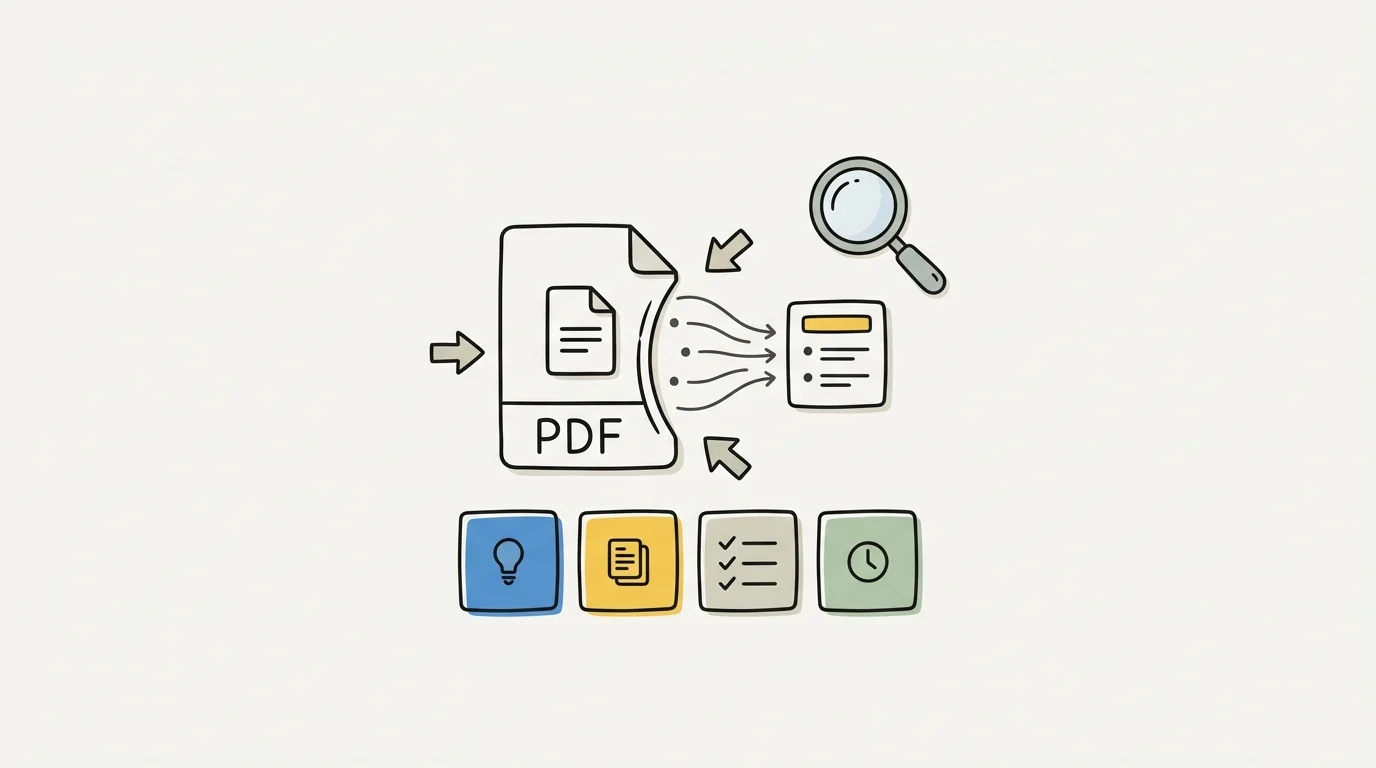
Best PDF Summarizers for Students in 2026 (Free and AI-Powered)

·9 min read
Academic reading is unavoidable. A 60-page research paper, three textbook chapters, and a set of lecture slides before Friday's seminar — the volume of reading assigned in university courses consistently exceeds the hours available to complete it carefully. PDF summarizers exist to help students process that volume without sacrificing comprehension.
But not all PDF summarizers are built equally. Some produce generic, surface-level abstracts that miss the conceptual structure of the document. Others are genuinely useful for understanding what an academic text is arguing and why it matters. This guide identifies the best PDF summarizers for students in 2026, what each one does well, and where their limits lie.
What to Look for in a PDF Summarizer
Accuracy and fidelity. The summary should reflect what the document actually argues, not a generic paraphrase of the subject matter. This is harder than it sounds — many tools produce summaries that are technically accurate but lose the specific claims and nuances that make the text academically interesting.
Handling of complex academic language. Textbooks and research papers use specialised terminology, multi-clause sentences, and field-specific framing. A good PDF summarizer handles this without over-simplifying into meaningless generalities.
Key concept extraction. Beyond a prose summary, can the tool identify the key terms, definitions, and arguments that are most likely to be tested or referenced in seminars?
Q&A capability. The most useful PDF tools let you ask questions about the document — "What does the author argue about X?" — rather than just providing a fixed summary.
Free tier usability. Many tools restrict PDF summarization behind a paywall or severely limit free-tier page counts. Knowing what's actually free matters for students on tight budgets.
The 7 Best PDF Summarizers for Students in 2026
1. CuFlow — Best for Study-Focused PDF Summarization
CuFlow is the strongest PDF summarization tool for students who need to do more than read a summary — they need to study from it. Upload a PDF (textbook chapter, lecture notes, research paper) and CuFlow produces a structured summary, extracts key concepts and definitions, and generates flashcards and quiz questions from the content.
The document-grounded Q&A is particularly valuable for academic work. Ask "What is the author's main argument in section three?" or "List the key factors identified in this study" and CuFlow answers from your specific document — not from general AI training data. This distinction matters when your lecturer's framing differs from the textbook's standard treatment of a topic.
The performance layer sets CuFlow apart from pure summarization tools. Quiz and flashcard results feed into spaced repetition scheduling, so the concepts you struggle with from your PDF get surfaced more often during review. Summarization and retention become part of the same workflow rather than separate steps.
Free tier covers core summarization and Q&A. Extended upload limits and advanced features require a paid plan.
Best for: Students who want to move from PDF summarization directly into exam preparation in a single tool.
2. Google NotebookLM — Best for Multi-Document Research
Google NotebookLM handles multi-document synthesis better than any other tool on this list. Upload five research papers and ask it to compare their methodologies or identify contradictions between them — it performs this task well, with citations pointing back to the specific passages it's drawing from.
The Audio Overview feature converts your uploaded documents into a podcast-style discussion — two AI voices synthesise the content into a conversational format that's genuinely useful for review during commutes.
Limitations: no flashcard or quiz generation, no spaced repetition, and no direct export of summaries into study materials. For research synthesis and understanding how multiple texts relate to each other, it's excellent. For converting PDFs into active study materials, you need a different tool.
Best for: Research papers, dissertations, and any work requiring synthesis across multiple academic sources.
3. Adobe Acrobat AI Assistant — Best for Professional PDF Workflows
Adobe Acrobat's AI Assistant is integrated directly into the Acrobat PDF reader, which means it works without uploading your file to a separate platform — useful for confidential documents or institution-provided materials with usage restrictions.
The summarisation quality is strong, the Q&A is accurate, and the interface is clean. The catch is price — Acrobat AI Assistant requires a subscription that most students won't find cost-effective. If your institution provides Acrobat through a campus licence, check whether AI Assistant is included before paying separately.
Best for: Students whose institution provides Adobe Acrobat through a campus licence.
4. Scholarcy — Best for Academic Papers Specifically
Scholarcy is built specifically for academic papers and research articles, and it shows. Its summary cards capture methodology, findings, limitations, and references in a structured format that matches how academic texts are typically evaluated in seminars and tutorials.
The "study cards" output is more useful for academic purposes than a generic prose summary — you get a structured breakdown rather than a condensed paragraph. The reference extraction feature also links cited papers, which is helpful when you're following up on a bibliography.
The free tier is limited in the number of documents you can process per month. The paid tier is reasonably priced for students who need to process high volumes of academic papers.
Best for: Students in research-heavy disciplines who read large volumes of academic papers.
5. ChatPDF
ChatPDF is a simple, straightforward tool: upload a PDF, ask questions about it. No account required for basic use. The interface is clean and the Q&A accuracy is adequate for most undergraduate reading.
The limitations are significant at a deeper level: ChatPDF doesn't generate structured summaries, doesn't extract key concepts, and doesn't integrate with any study workflow. It's a document chat interface, not a study tool. For quick reference questions about a specific paper ("What sample size did they use?"), it works fine. For comprehensive summarization and study prep, it's insufficient.
The free tier allows a limited number of pages per document and a limited number of conversations.
Best for: Quick Q&A on individual papers when you don't need a full study workflow.
6. Humata AI
Humata is a document intelligence platform that handles PDF summarization and Q&A with reasonable accuracy. It supports longer documents than many free tools and provides answers with citations showing exactly where in the document the answer comes from.
The citation feature is valuable for students who need to verify that a tool is actually reading the document rather than hallucinating from training data — you can jump to the relevant passage and check. This matters for academic work where accuracy is essential.
Free tier is limited to shorter documents. Paid plans are available with student pricing options.
Best for: Students who need verifiable, citation-backed answers from longer documents.
7. Unriddle
Unriddle is an AI reading assistant that combines PDF summarization with annotation and note-taking. As you read through a document in Unriddle, you can highlight passages and generate instant explanations, add notes linked to specific sections, and ask contextual questions about text as you read.
This reading-integrated approach suits students who prefer to engage with material actively while reading rather than generating a summary afterwards. The annotation-linked Q&A is particularly useful for complex theoretical texts where understanding individual passages matters as much as the overall argument.
Best for: Students who prefer to annotate while reading and want AI assistance integrated into the reading process itself.
How to Get Better Summaries From Any Tool
The quality of a PDF summary depends partly on the tool and partly on how you use it.
Chunk long documents. Most AI summarizers perform better on 20-30 page sections than on 100-page documents. If you're processing a full textbook chapter, split it into sections and summarize each separately. The summaries will be more accurate and more detailed.
Ask specific questions rather than requesting a generic summary. "Summarise this paper" produces a generic overview. "What does the paper argue about the relationship between X and Y?" or "What are the three main limitations the authors identify?" produces far more useful output.
Check for hallucination on key claims. AI summarizers occasionally produce confident-sounding statements that aren't in the original document. If a summary includes a specific statistic or claim that will affect your essay argument, verify it against the original text before using it.
Use summaries as an entry point, not an endpoint. The most effective use of PDF summarization is identifying which sections of a long document require close reading — not replacing that reading entirely. A summary tells you what's in the document; close reading tells you whether the argument actually holds.
Frequently Asked Questions
What is the best free PDF summarizer for students?
CuFlow and Google NotebookLM both offer strong free tiers for PDF summarization. CuFlow is better if you want to convert summaries into flashcards and study materials. NotebookLM is better for multi-document research synthesis. ChatPDF is the simplest option for quick Q&A without account setup.
Can I use a PDF summarizer for academic papers?
Yes, but check your institution's academic integrity guidelines on using AI tools for assessed work. Using a PDF summarizer to understand a paper is generally permitted. Using AI to write your essay based on those summaries may fall under your institution's AI writing policy.
Do PDF summarizers work on scanned documents?
Most AI summarizers require text-based PDFs. Scanned PDFs need OCR (optical character recognition) processing before summarization tools can read them. Adobe Acrobat can perform OCR on scanned documents; other tools typically require a text-readable PDF as input.
How accurate are AI PDF summarizers?
Accuracy varies significantly by tool and document type. For standard academic papers with clear structure, modern AI summarizers are generally accurate for main arguments and methodology. Accuracy decreases for highly technical content with specialised notation (mathematics, chemistry equations), non-standard document layouts, and documents with heavy use of tables and figures.
Is it safe to upload sensitive documents to PDF summarizers?
Check each tool's privacy policy before uploading sensitive materials. For institution-provided documents with usage restrictions, Adobe Acrobat AI Assistant (which processes locally) or tools with strong data privacy policies are preferable to cloud-based tools that may store uploaded documents.
Choosing the Right PDF Summarizer
For most students, the decision is between CuFlow (if you want summarization integrated with active study tools) and Google NotebookLM (if you primarily need research synthesis). Both are free to start. Add Scholarcy if you're processing high volumes of academic papers, and Unriddle if you prefer annotation-integrated reading.
The best PDF summarizer is the one that fits your actual reading workflow — not necessarily the one with the most features. Start with one tool, use it for a few weeks of genuine coursework, and evaluate whether it's saving you time and improving your understanding. That's the only reliable test.