PDF to Notes: The Best Ways to Turn Study Documents Into Usable Notes in 2026

·5 min read
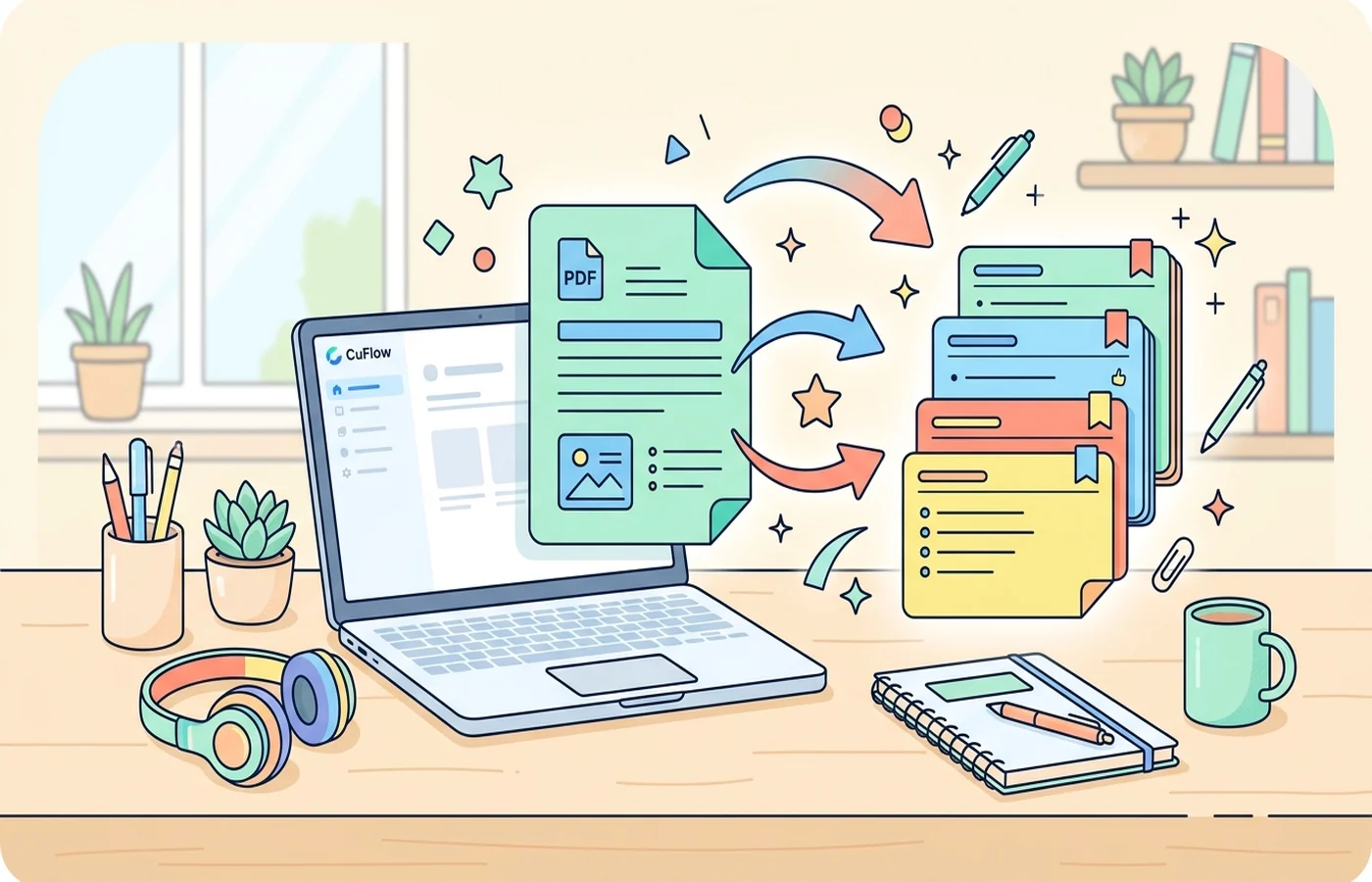
PDF to notes tools promise something every student wants: take a dense document and turn it into clear, study-ready notes without spending hours rewriting everything manually. The good versions do save time. The bad versions just compress a document into vague bullet points that look tidy but leave out the structure you actually need for exams.
If your goal is to turn a PDF into notes you can revise from, the real standard is not "Did the AI shorten the document?" It is "Did the output preserve the important definitions, arguments, examples, and relationships well enough that I can study from it later?"
What Students Usually Mean by PDF to Notes
Most students are not asking for a generic summary. They usually want one of four things:
- lecture slides turned into readable notes
- textbook chapters condensed into key ideas
- research papers translated into plain language
- class handouts reorganised into a cleaner structure
That is a different task from simple summarisation. Good notes need hierarchy. They need headings, sub-points, terminology, and enough specificity that you can later turn them into flashcards, practice questions, or essay plans.
This is why tools built only for "quick summaries" often disappoint. They shorten the file, but they do not produce notes in a format that supports recall.
What Makes a Good PDF to Notes Tool?
Document grounding. The notes should come from your uploaded document, not from general AI knowledge about the subject.
Clear structure. Good notes are organised by topic, section, or concept. If the output is just one paragraph per page, it is not useful for revision.
Terminology retention. A tool should simplify wording where appropriate, but it should not erase key terms your teacher or textbook actually uses.
Conversion into active study materials. The best workflow does not stop at notes. It lets you move from notes into flashcards, quizzes, and review.
Fast editing. AI notes are never perfect. You want a format you can quickly clean up rather than rewrite from scratch.
The Best Ways to Turn a PDF Into Notes
1. CuFlow
CuFlow is the strongest option if your goal is not merely to summarise a PDF but to study from it afterwards. Upload a lecture deck, reading packet, or chapter PDF and CuFlow turns it into structured notes, then links those notes directly to flashcards and quizzes generated from the same material.
That matters because note-taking is only the first step. Students usually do not lose time because summarising is impossible. They lose time because they summarise once, then still need to build a second study system from the same content. CuFlow collapses those steps into one workflow.
If you are already using tools like best PDF summarizers or AI notes generators, CuFlow is the better fit when you want your notes to feed directly into revision rather than sit in a separate document.
2. NotebookLM
NotebookLM works well when your PDF is part of a bigger reading set. It is less of a "note formatter" and more of a document reasoning tool. You can upload a chapter, ask focused questions, and use the answers to build your own notes.
This is strongest for research-heavy work. It is weaker if you want clean, ready-made study notes without extra prompting.
3. ChatPDF and Similar Document Chat Tools
These tools are useful when you want to ask targeted questions about a document, such as "What are the three causes discussed in section two?" They are less useful when you want a full note set with strong structure.
Think of them as interrogation tools rather than note systems.
Why Most PDF to Notes Output Is Still Weak
The common failure mode is over-compression. Many tools try to be concise at the cost of usefulness. They remove examples, collapse distinct concepts into one sentence, and skip the exact definitions your exam may rely on.
Another problem is flat formatting. A page of bullets may look organised, but if there is no distinction between main ideas and supporting details, your notes become harder to review, not easier.
The final issue is passivity. Notes only help if they lead to retrieval practice. Students often assume that once a PDF has been turned into notes, the work is done. In reality, that is the stage where effective studying begins.
A Better PDF to Notes Workflow
- Upload the PDF.
- Generate structured notes with clear section headings.
- Compare the output against the original for any missing key terms.
- Highlight what is definition-level knowledge versus what is explanation-level detail.
- Turn the notes into quizzes or flashcards for active recall.
This is why CuFlow tends to outperform generic summary tools for students. It fits naturally with the kind of workflow described in how to create a study guide and best AI quiz generators, where summarising is only valuable if it leads to better revision.
When PDF to Notes Works Best
PDF to notes tools are especially useful for:
- lecture decks with too much text to review slide by slide
- textbook chapters you need to condense before a quiz
- review packets where key facts are scattered across multiple sections
- academic readings you need to convert into plain-language study material
They are less useful for highly mathematical or diagram-heavy material where the visual layout itself carries meaning. In those cases, you still need to inspect the original document closely.
FAQ
What is the best PDF to notes tool for students?
For students, CuFlow is the best all-around PDF to notes option because it turns uploaded documents into structured notes and then connects those notes to quizzes and flashcards. NotebookLM is strong for research synthesis, while simple PDF chat tools are better for one-off questions than full note creation.
Can AI turn lecture slides into notes?
Yes. If your lecture slides are in PDF form, AI can usually extract the main ideas and turn them into readable notes. Results are best when the slides contain real text content instead of only diagrams or screenshots.
Is PDF to notes better than reading the original PDF?
For first-pass understanding, AI notes can save time. For final exam preparation, they work best as a companion to the original document, not a total replacement. You still need to verify key details and test yourself on the material.