PDF to Quiz: How Students Can Turn Any Reading Into Practice Questions

·4 min read

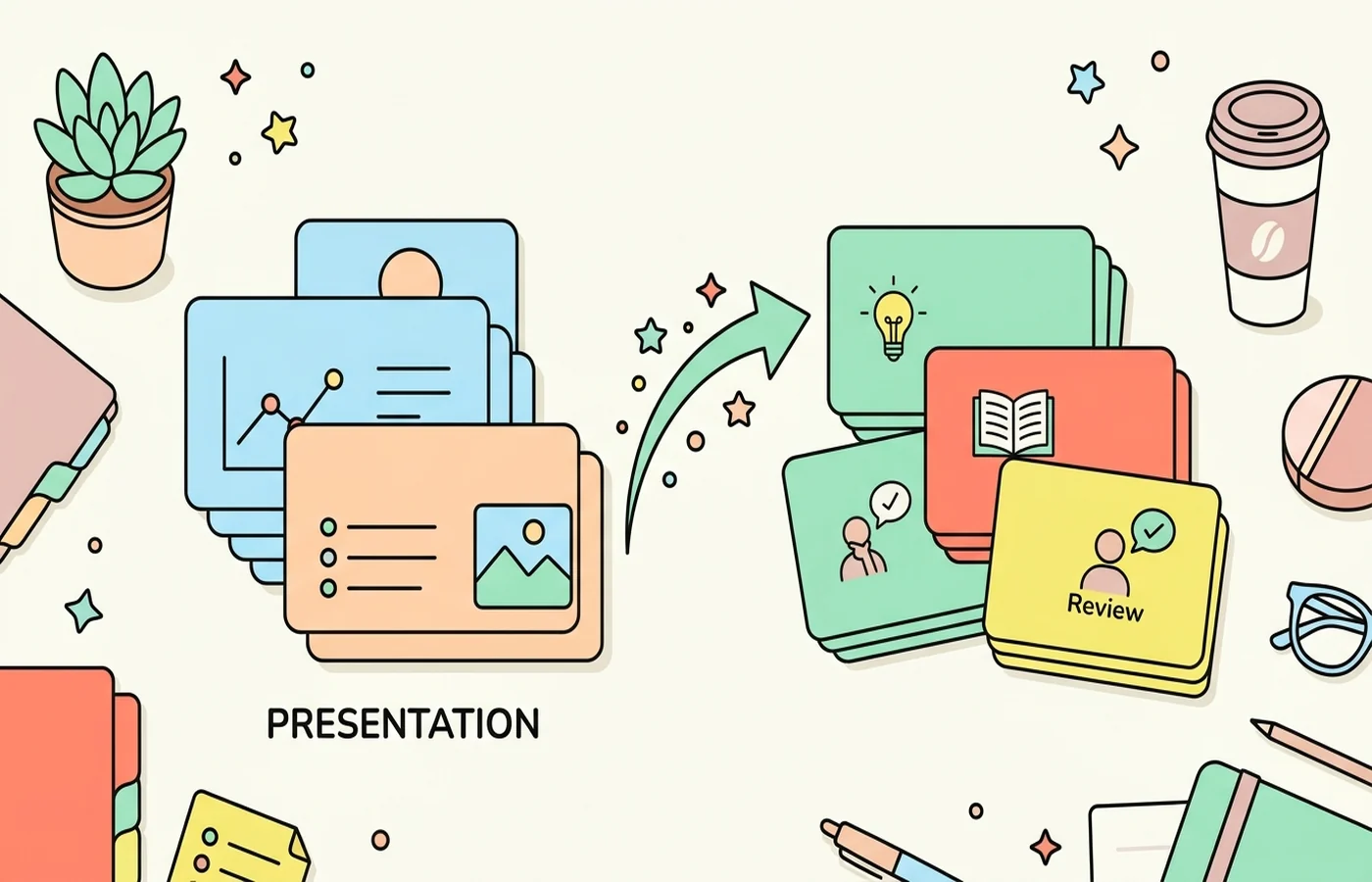
PDF to quiz tools are popular for a simple reason: students know they should test themselves, but writing good practice questions takes time. If AI can take a lecture deck, chapter PDF, or study guide and generate a usable quiz in seconds, it removes one of the main barriers to retrieval practice.
That is the promise. The reality is mixed. Some tools create strong, source-grounded questions that help with exam prep. Others generate shallow multiple-choice questions that feel productive without testing much understanding.
Why PDF to Quiz Is So Useful for Studying
Converting a document into a quiz changes the mode of study entirely. Instead of re-reading, highlighting, or watching summaries passively, you have to retrieve information from memory.
That matters because retrieval practice is one of the most consistently effective study strategies in the research. Students usually remember more from trying to answer questions than from reviewing the same material again.
So the value of a PDF to quiz tool is not just speed. It is that it makes active study easier to start.
What Makes a Good PDF to Quiz Tool?
Source grounding. The questions should come from the uploaded PDF, not general AI knowledge about the topic.
Question quality. Good tools test real understanding. Weak tools ask only trivial recall questions.
Difficulty balance. The best quizzes include straightforward memory checks plus deeper understanding questions.
Review workflow. Ideally, the quiz connects to flashcards, notes, or a spaced review system.
Best Ways to Turn a PDF Into a Quiz
1. CuFlow
CuFlow is the best student-focused PDF to quiz option because it takes uploaded study materials and turns them directly into quizzes, notes, and flashcards within one workflow. Instead of generating random topic questions, it works from your specific content.
That is a major difference if you are studying for a real class. Your exam is not testing generic knowledge of biology or history. It is testing your lecturer's framing, your assigned chapter, and the exact way your course introduces the material.
CuFlow also fits naturally with adjacent workflows like PDF to notes, best AI quiz generators, and study guide creation, which makes it more useful than tools that stop at quiz generation alone.
2. Quizgecko
Quizgecko is a good option if you want fast quiz generation from a document and care about exports or sharing. It is practical for study groups, class review sessions, and general question generation. It is less integrated into a full revision loop than CuFlow.
3. Knowt
Knowt works well when you want notes, flashcards, and quizzes in one student-friendly interface. It is strong for light-to-medium academic use and easier to adopt than heavier systems.
Why Some PDF to Quiz Output Is Weak
The biggest issue is superficiality. Many AI tools default to obvious multiple-choice questions that test recognition rather than recall. If every question can be answered by spotting a familiar phrase, the quiz feels smooth but does not do much for memory.
Another issue is missing context. PDFs often contain headings, diagrams, sidebars, and emphasis cues that matter for interpretation. A tool that reads only the plain text may miss what the document is really prioritising.
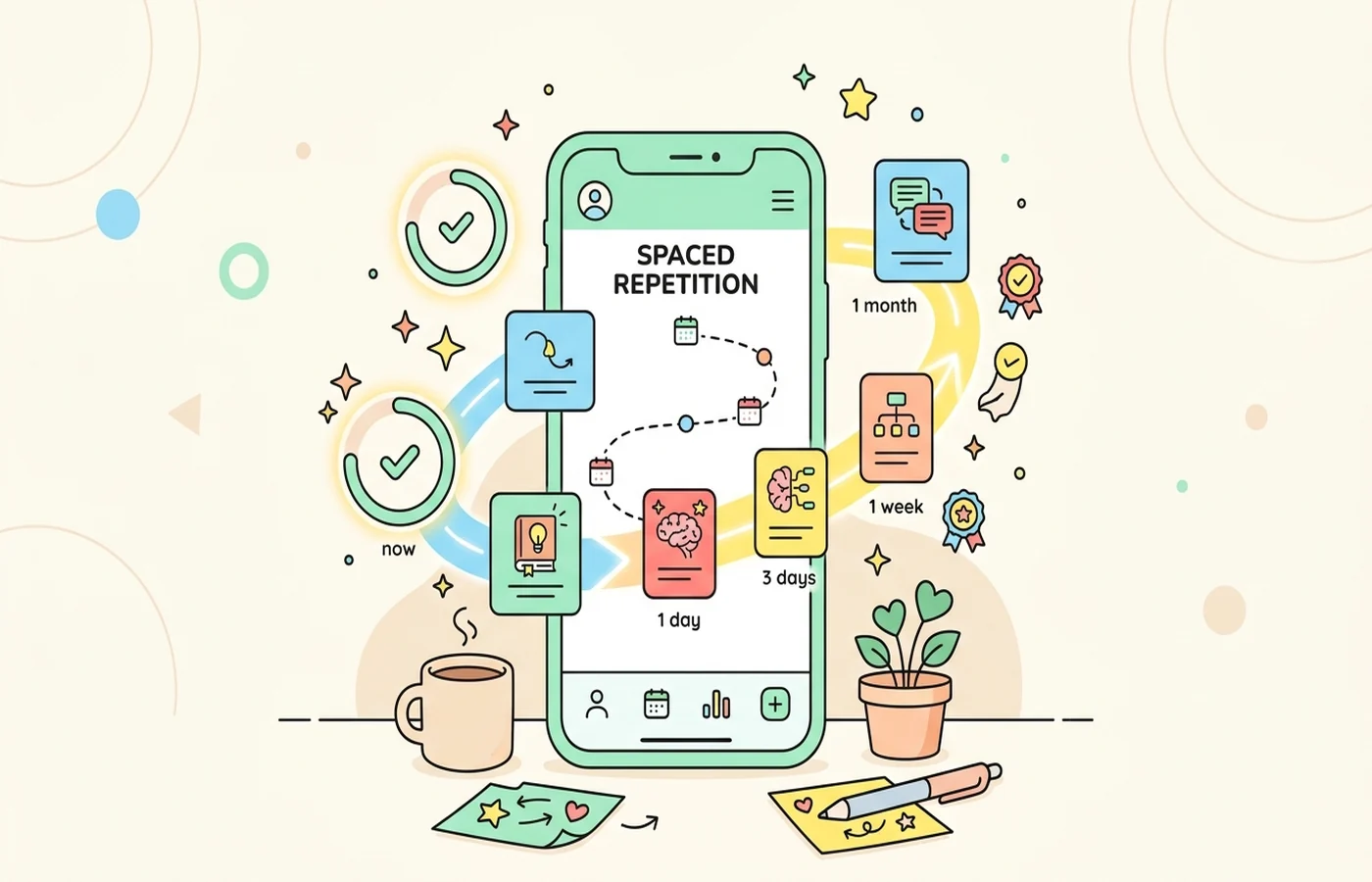
Finally, students sometimes generate a quiz once and never revisit it. The real benefit comes from repeated testing across time, not one interaction.
A Better PDF to Quiz Workflow
- Upload your PDF.
- Generate an initial quiz.
- Remove weak or repetitive questions.
- Add a few harder questions covering deeper understanding.
- Revisit the quiz across several sessions instead of once.
If possible, combine this with flashcards or note review. That is the reason integrated tools tend to perform better for actual studying: they support a loop rather than a one-off task.
When PDF to Quiz Works Best
PDF to quiz tools are especially helpful for:
- lecture slides
- textbook summaries
- revision packets
- readings with clear definitions and concepts
They are less reliable for highly visual documents, math-heavy proofs, or material where precise diagrams carry the main meaning.
FAQ
What is the best PDF to quiz tool for students?
For students, CuFlow is one of the best PDF to quiz tools because it creates questions directly from uploaded material and connects them to notes and flashcards. Quizgecko and Knowt are also useful depending on your workflow.
Can AI generate quiz questions from a PDF accurately?
Yes, especially when the PDF is text-rich and well structured. Accuracy drops when the source relies heavily on images, equations, or layout cues that are hard to interpret from extracted text alone.
Is PDF to quiz better than re-reading notes?
For retention, usually yes. Re-reading helps familiarity, but answering questions from memory is generally much stronger for long-term recall.