Lecture Recording App: Which One Is Best for Students in 2026?

·3 min read
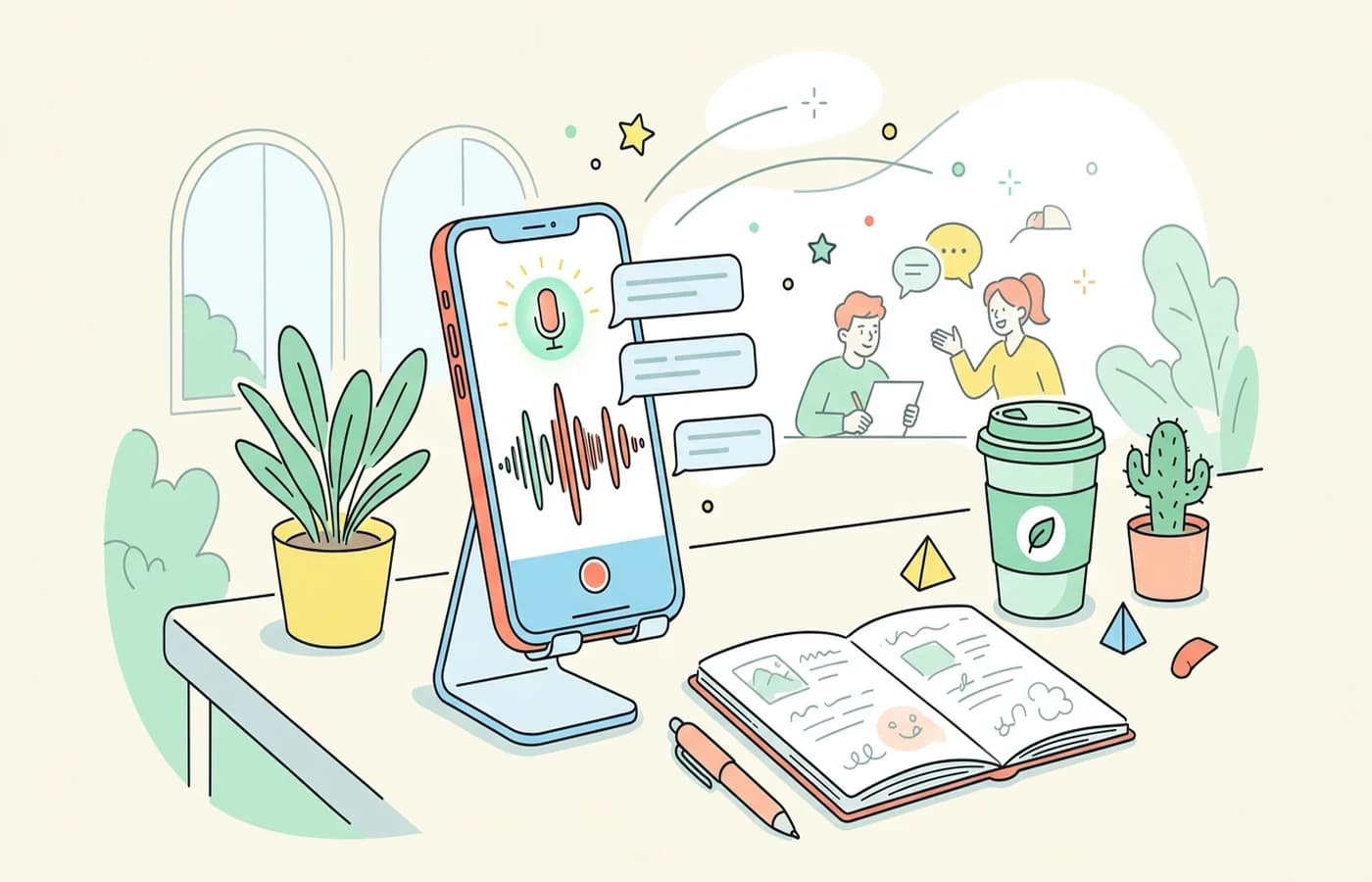
A lecture recording app is one of the most practical tools a student can use, especially in classes where the pace is too fast for complete note-taking. When used well, recording gives you a second pass through the material and reduces the pressure to capture every sentence in real time.
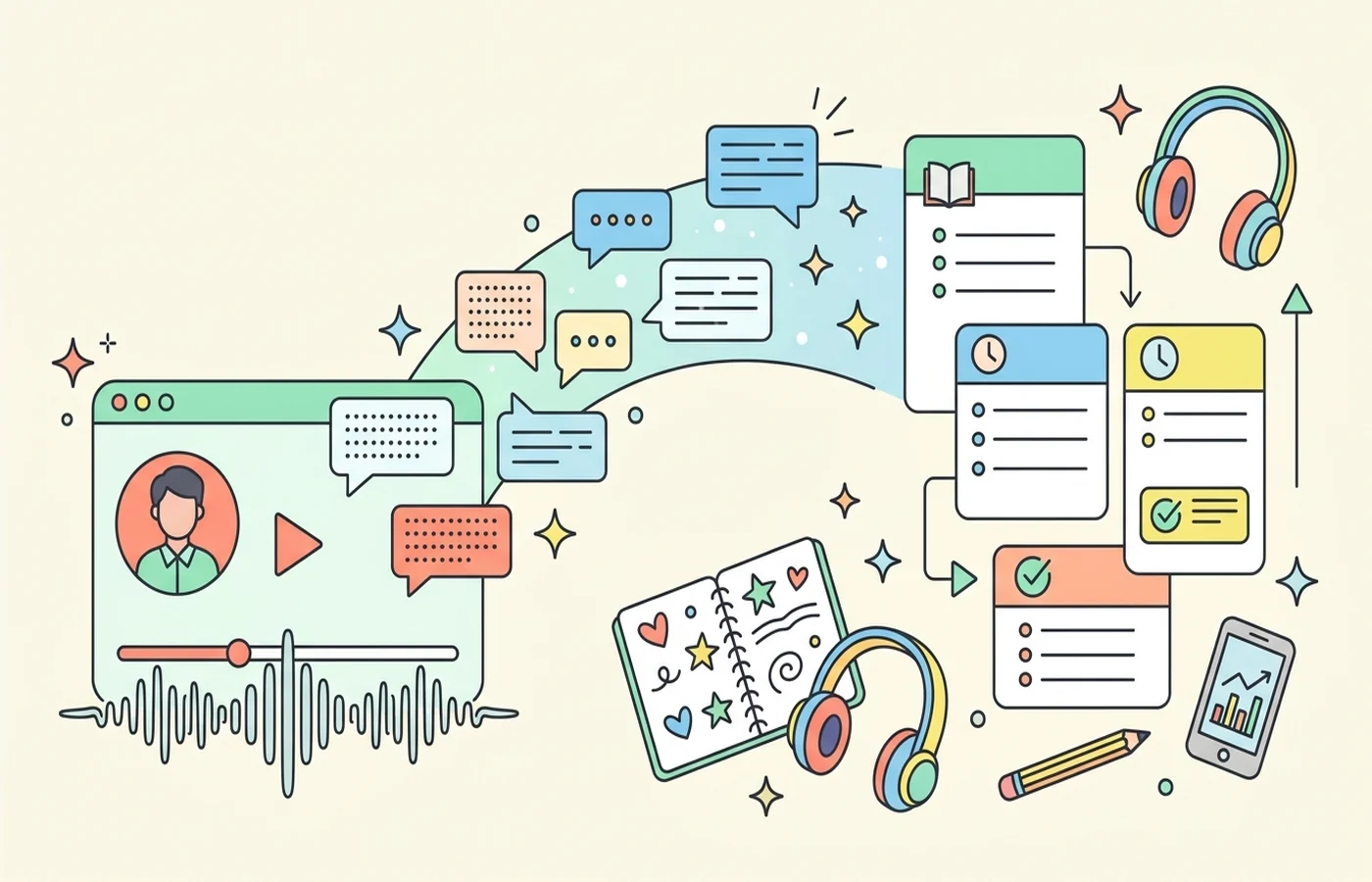
But a recording app only becomes valuable when it helps you review better. Raw audio alone is not enough. The strongest lecture recording apps now combine recording with transcription, summarization, search, and note support.
What Students Should Look For
Reliable recording. If the app fails during class, nothing else matters.
Clear transcription. Searchable transcripts make recordings far more useful.
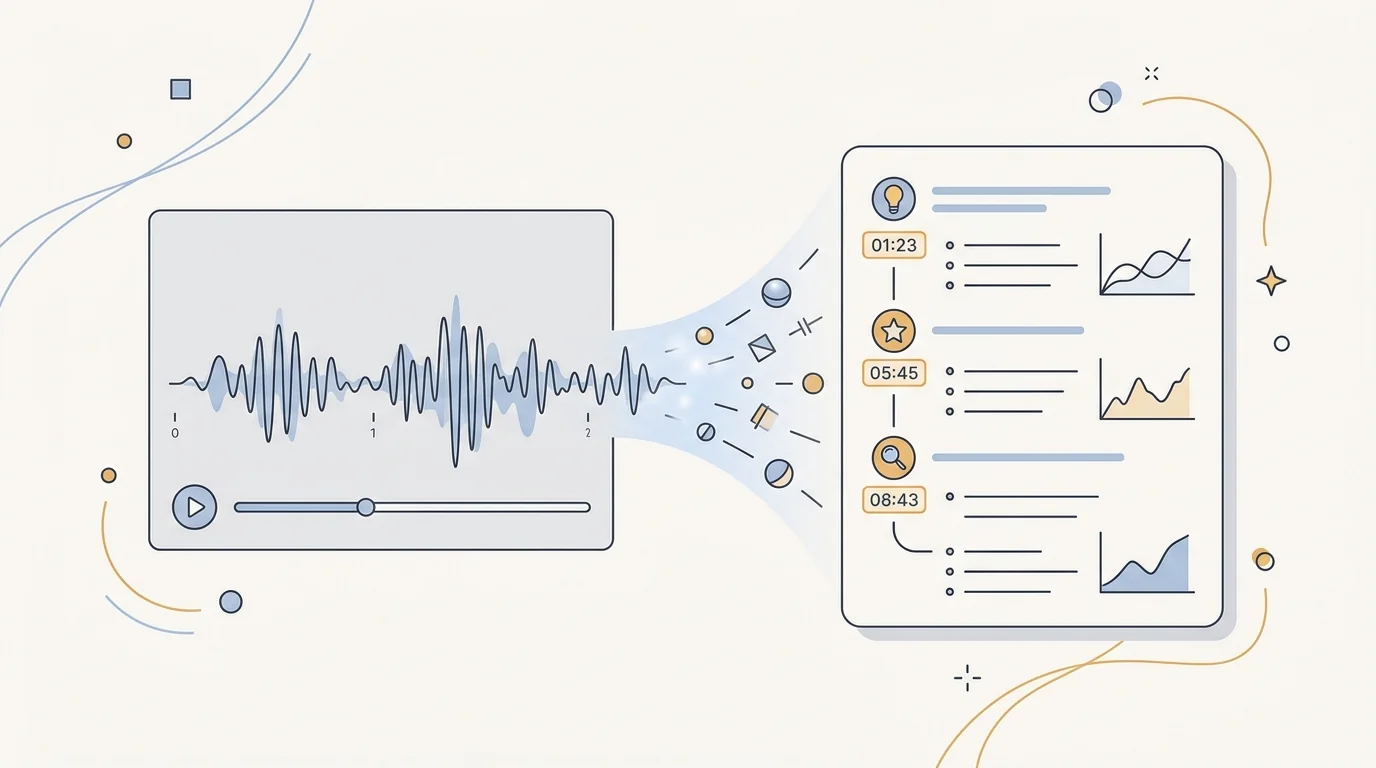
Fast review tools. Summaries, bookmarks, and timestamps matter more than long playback files.
Study workflow integration. The best app should help you move from recording into notes, flashcards, or quizzes.
Best Lecture Recording Apps for Students
1. CuFlow
CuFlow is strongest when your goal is not just to record a lecture but to turn it into study materials. Once class content is captured, CuFlow fits naturally into note generation, quizzes, and flashcards, which makes it more useful than a pure recorder for exam prep.
That makes it particularly effective for students who already rely on workflows like AI lecture summarizers, PDF to notes, and spaced repetition apps.
2. Otter
Otter remains one of the best-known lecture recording tools because it handles transcription and live capture well. For students who want searchable recordings and a familiar interface, it is a solid option. Its main limitation is that it is more transcript-first than study-first.
3. Notta
Notta is useful for recording and transcription across lectures, meetings, and webinars. It works well for students who want a straightforward recorder plus text workflow without too much complexity.
When a Lecture Recording App Helps Most
It is especially useful when:
- the lecturer moves quickly
- you need to revisit exact explanations later
- the class includes lots of verbal examples
- English is not your first language and second-pass listening helps
It is less useful when the course relies mainly on board work, diagrams, or problem-solving steps that are difficult to understand through audio alone.
The Main Mistake Students Make
Recording can create a false sense of security. Students often think "I recorded it, so I have it," but never go back and process the material. In that case, the recording becomes storage, not learning.
The best use of a lecture recording app is to reduce cognitive load during class and improve active review later. The recording should support note consolidation, not replace it.
A Better Lecture Review Workflow
- Record the lecture.
- Generate or review the transcript.
- Pull out the major concepts and examples.
- Turn those into notes or questions.
- Revisit only the unclear sections of the recording.
That workflow turns recordings into something usable rather than archival clutter.
FAQ
What is the best lecture recording app for students?
For students who want recording plus actual study support, CuFlow is one of the strongest options. Otter is excellent for transcription-first workflows, and Notta is a practical all-rounder.
Is it legal to record lectures?
That depends on your school, region, and instructor policies. You should always check institutional rules and ask for permission when required.
Is a lecture recording app better than taking notes?
It is best used alongside note-taking. Recording helps you recover missed details, but your own note processing is still important for understanding and memory.